AI & Tools
A Five-Minute Workflow for Checking an AI Answer Before You Use It
A compact, source-first method for checking generative AI answers, spotting unsupported claims, and matching verification effort to the consequence of being wrong.
54 stories to explore
A compact, source-first method for checking generative AI answers, spotting unsupported claims, and matching verification effort to the consequence of being wrong.
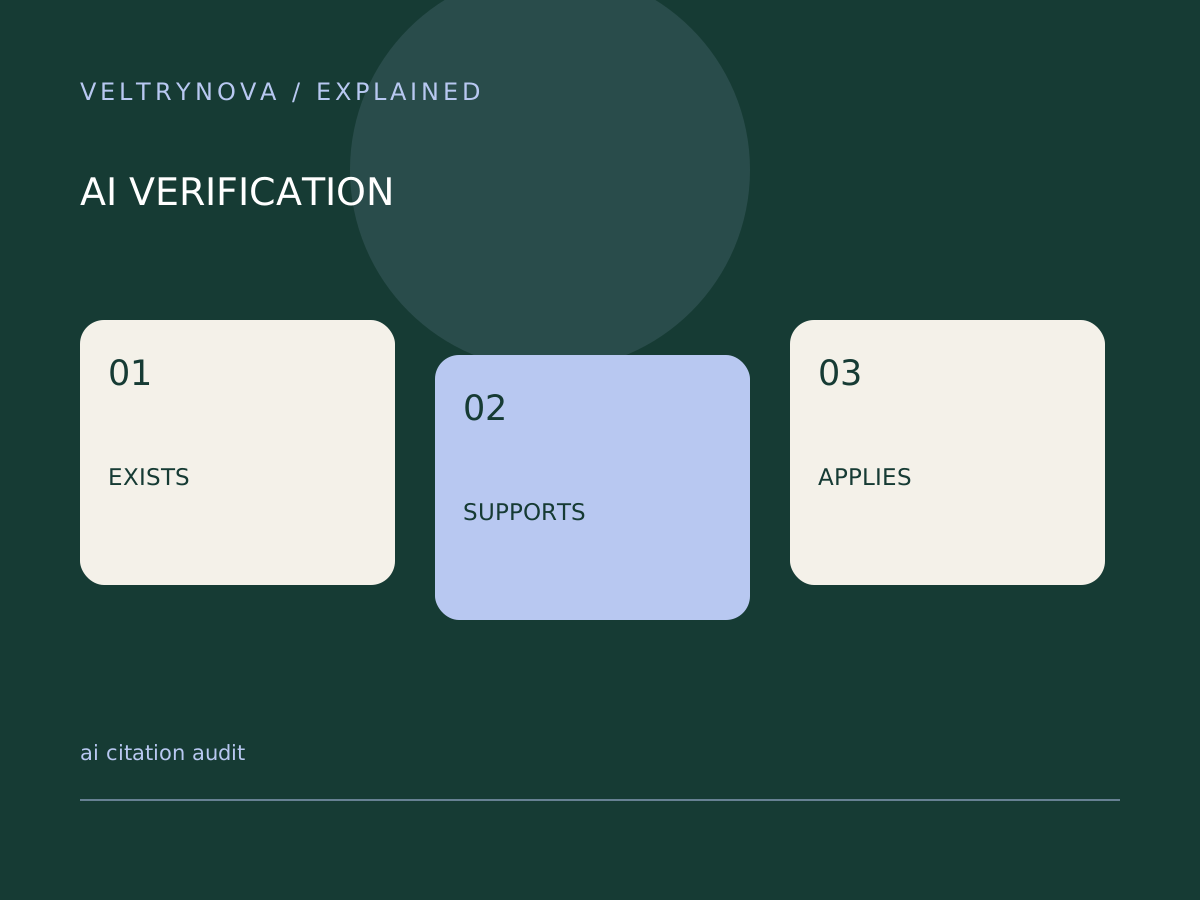
Check whether an AI-generated source exists, supports the exact claim, and applies to the date and context of your decision.
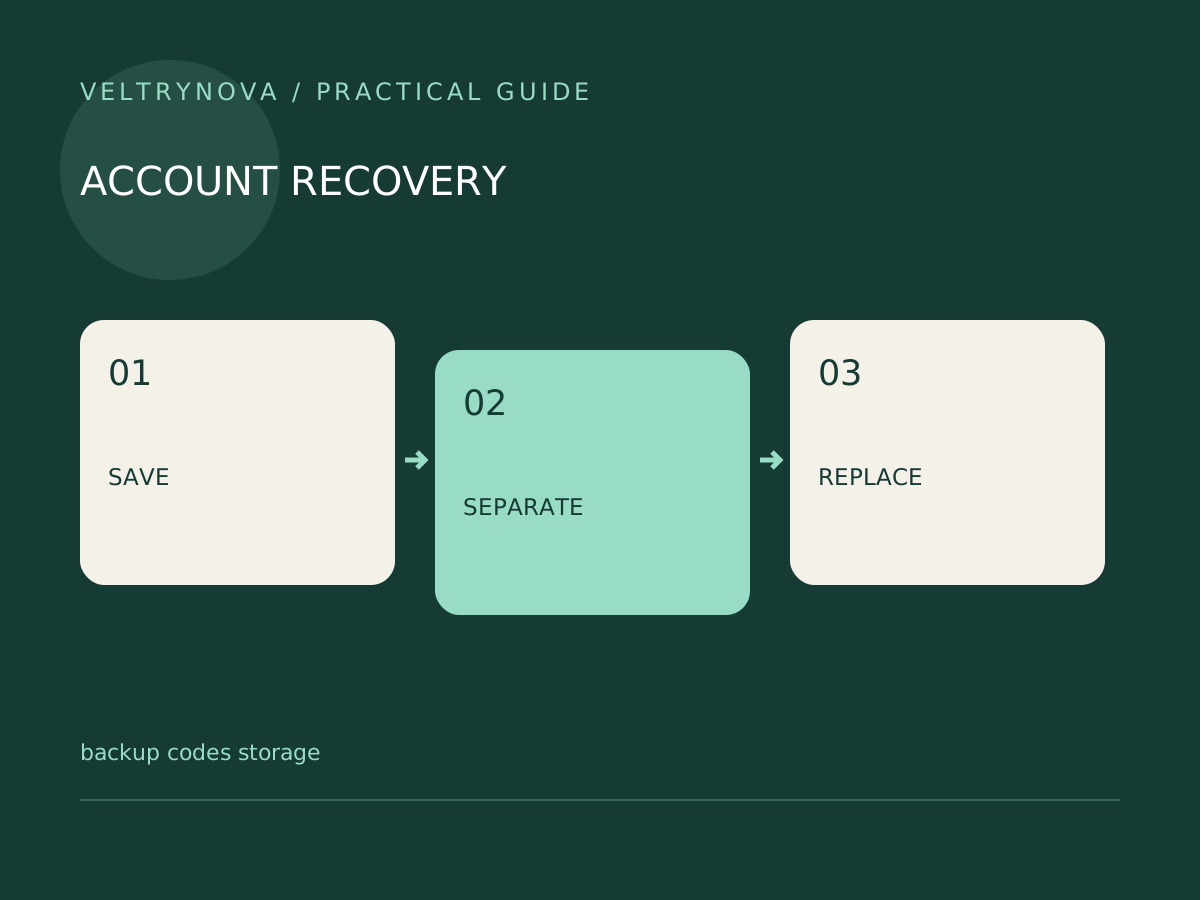
Keep one-time recovery codes accessible during a lost-phone emergency without leaving a readable copy beside every account password.
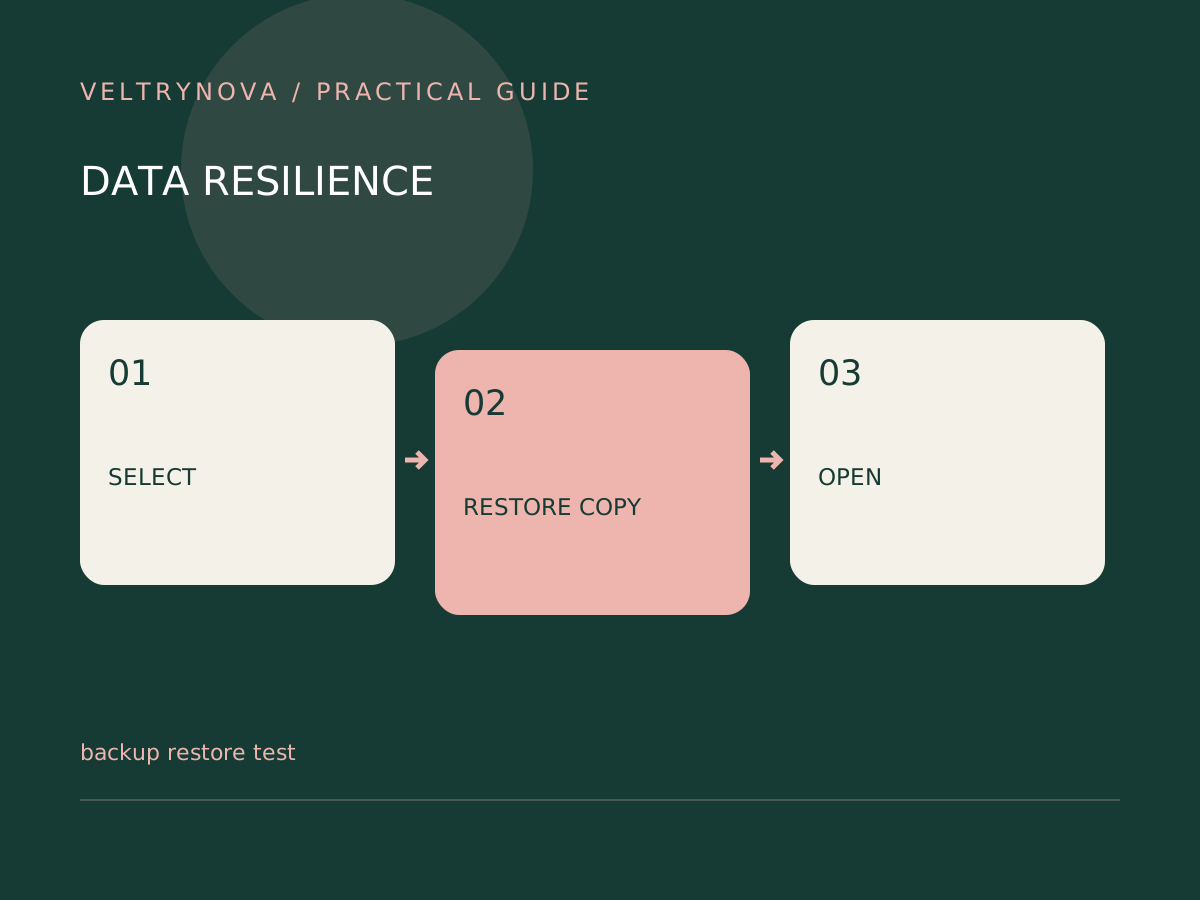
Run a small restore drill in a separate folder and check file contents, access requirements, and recovery timing before trusting a backup.
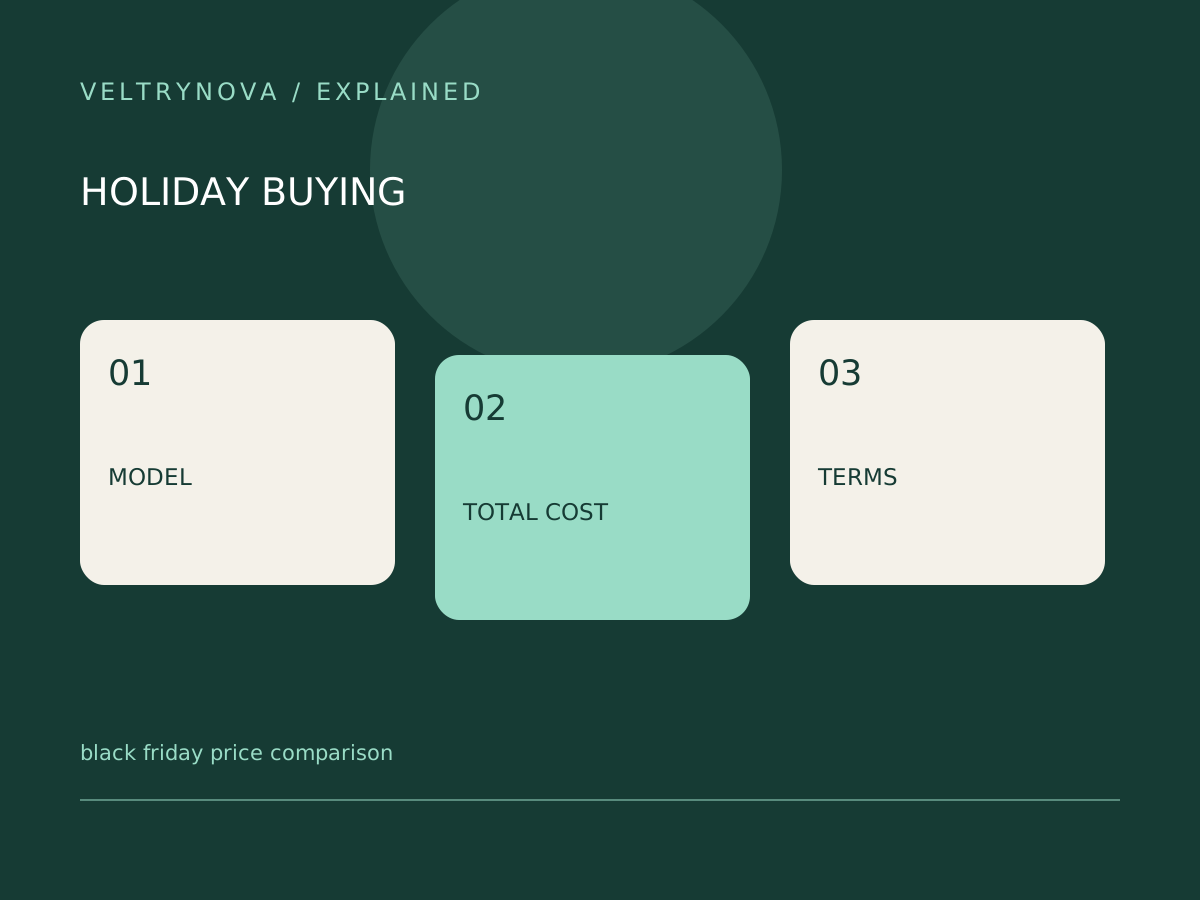
Compare holiday offers by exact model, required accessories, subscriptions, seller terms, and return deadlines without treating a discount badge as proof.
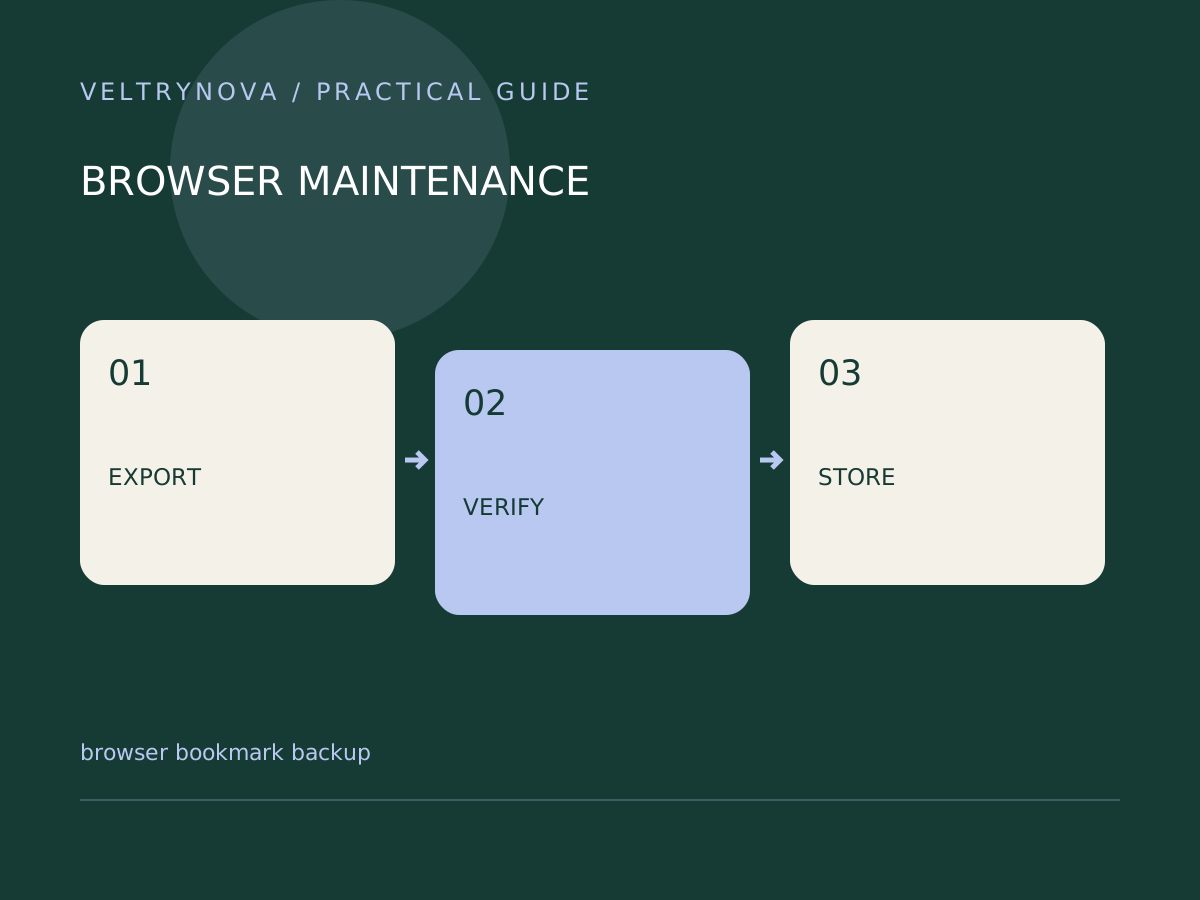
Export a portable bookmark file, verify it with a small import, and keep account sync distinct from a deliberate migration backup.
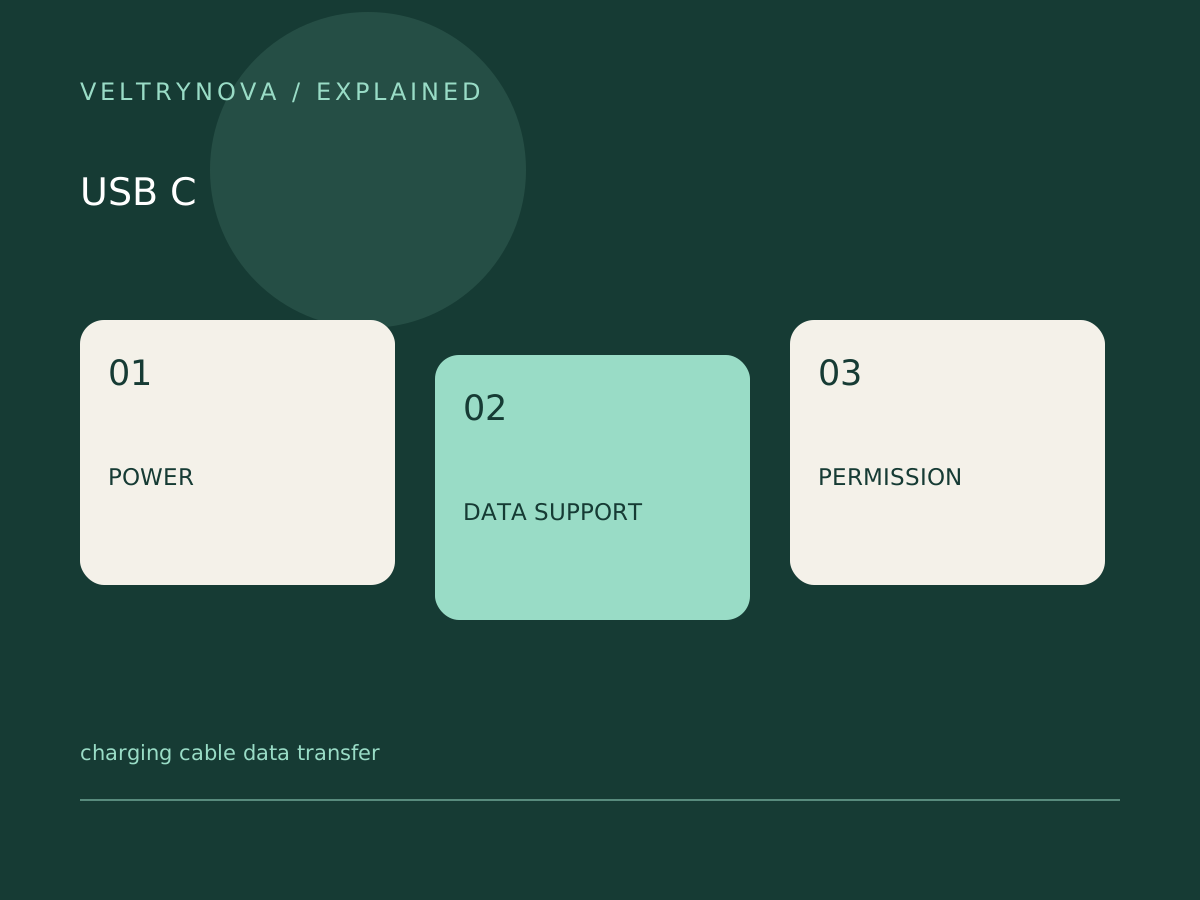
Check cable data support, device permissions, port capability, and transfer mode when a phone charges but files do not appear.
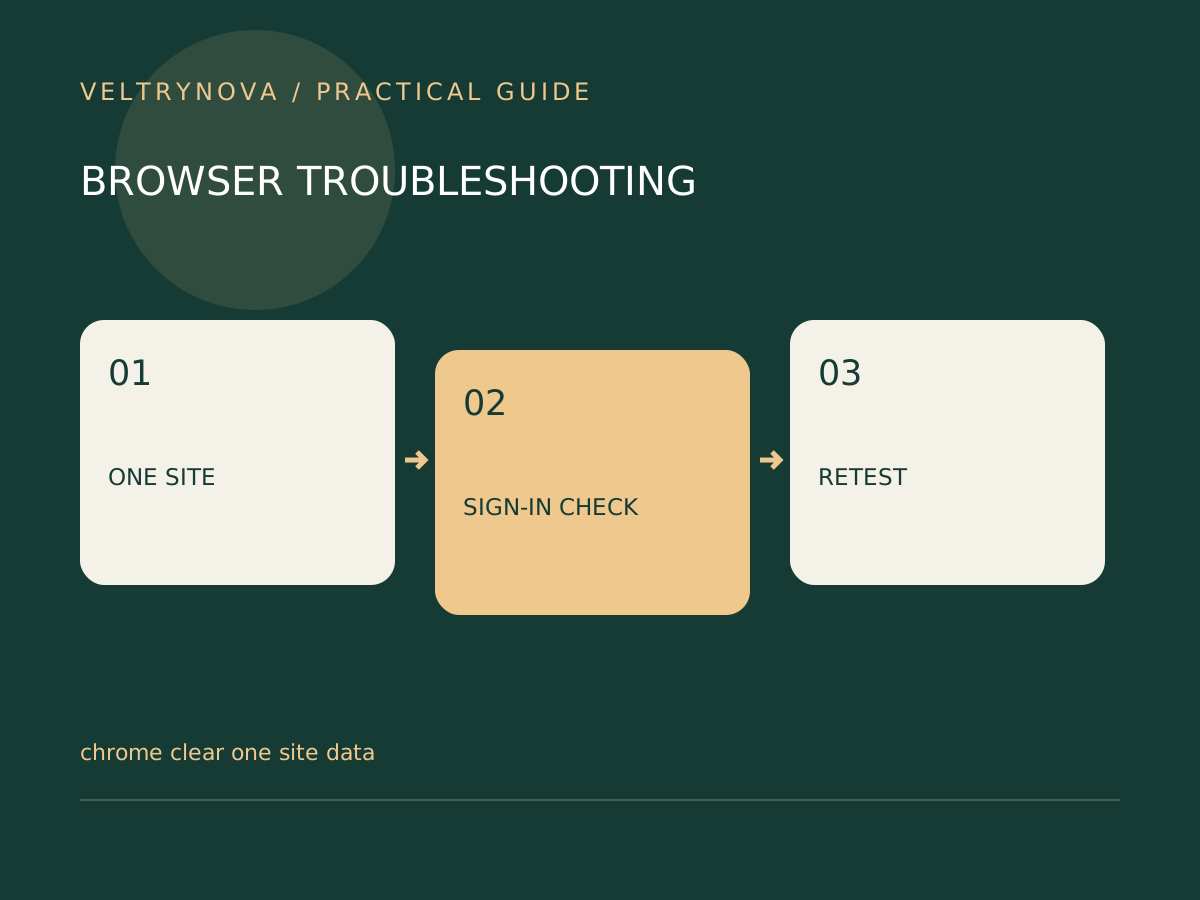
Fix a single website's broken session with targeted site-data cleanup, while keeping saved passwords and unrelated browsing information out of the change.
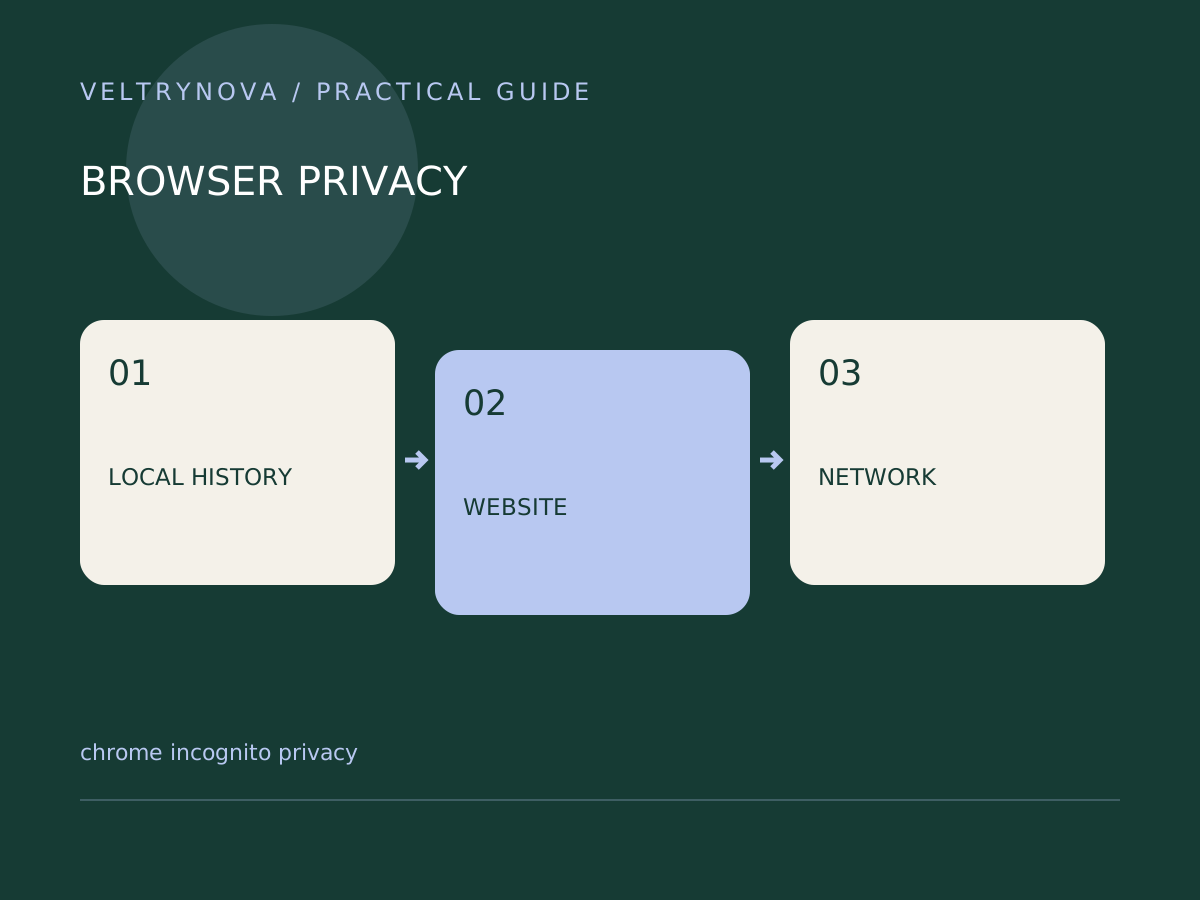
Understand the limits of Incognito for local browsing history, downloads, signed-in websites, and networks that can still observe activity.
Use Chrome profiles to separate work and personal browsing, and understand why they do not replace operating-system accounts on a shared computer.
Review camera, microphone, location, and notification access one site at a time, then test the feature that actually needs the permission.
Check Chrome's update state, preserve unsaved work, and complete a browser relaunch without assuming a downloaded update is already active.
Compare file replication, version history, independent copies, and restore testing before relying on a cloud folder as your only recovery plan.
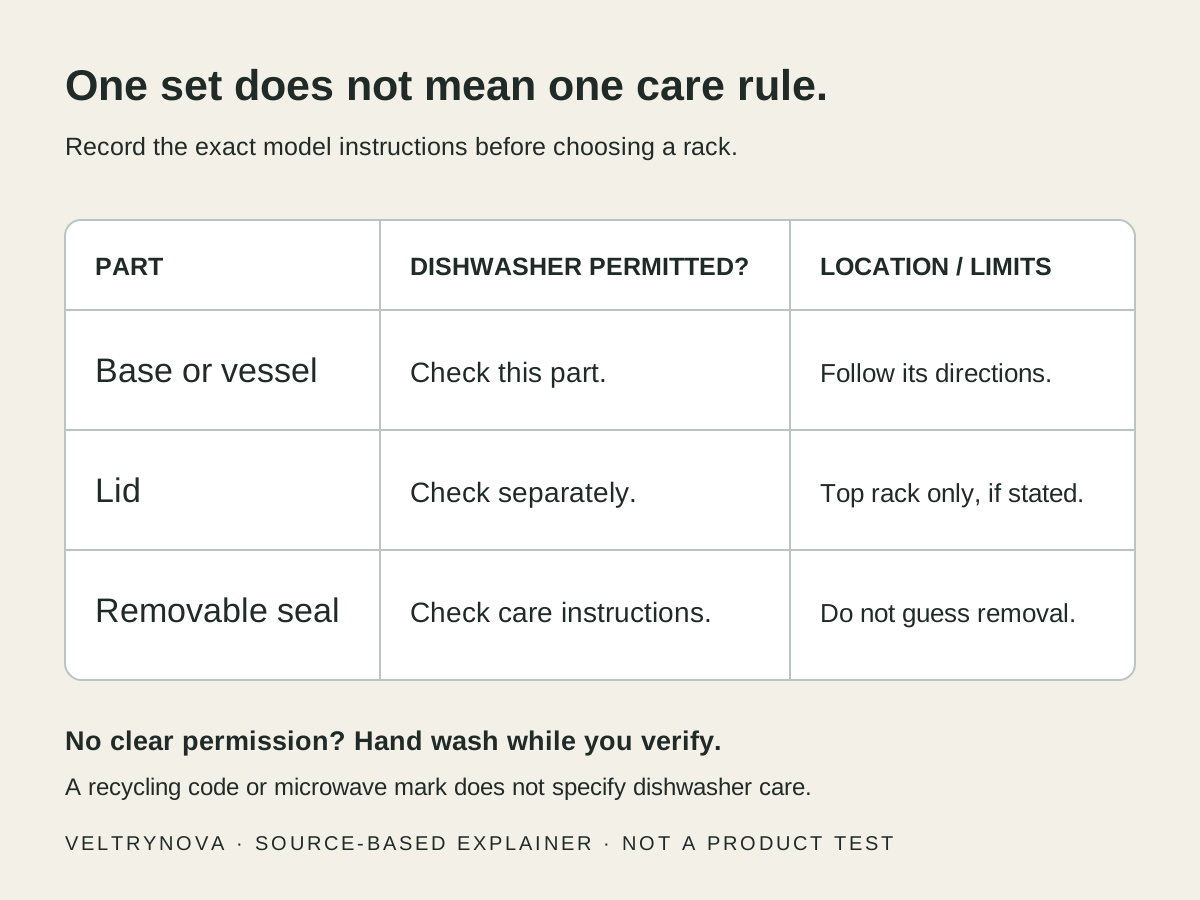
Separate dishwasher permission from top-rack limits, microwave marks, and hand-wash advice. Includes specific maker examples and a practical loading decision table.
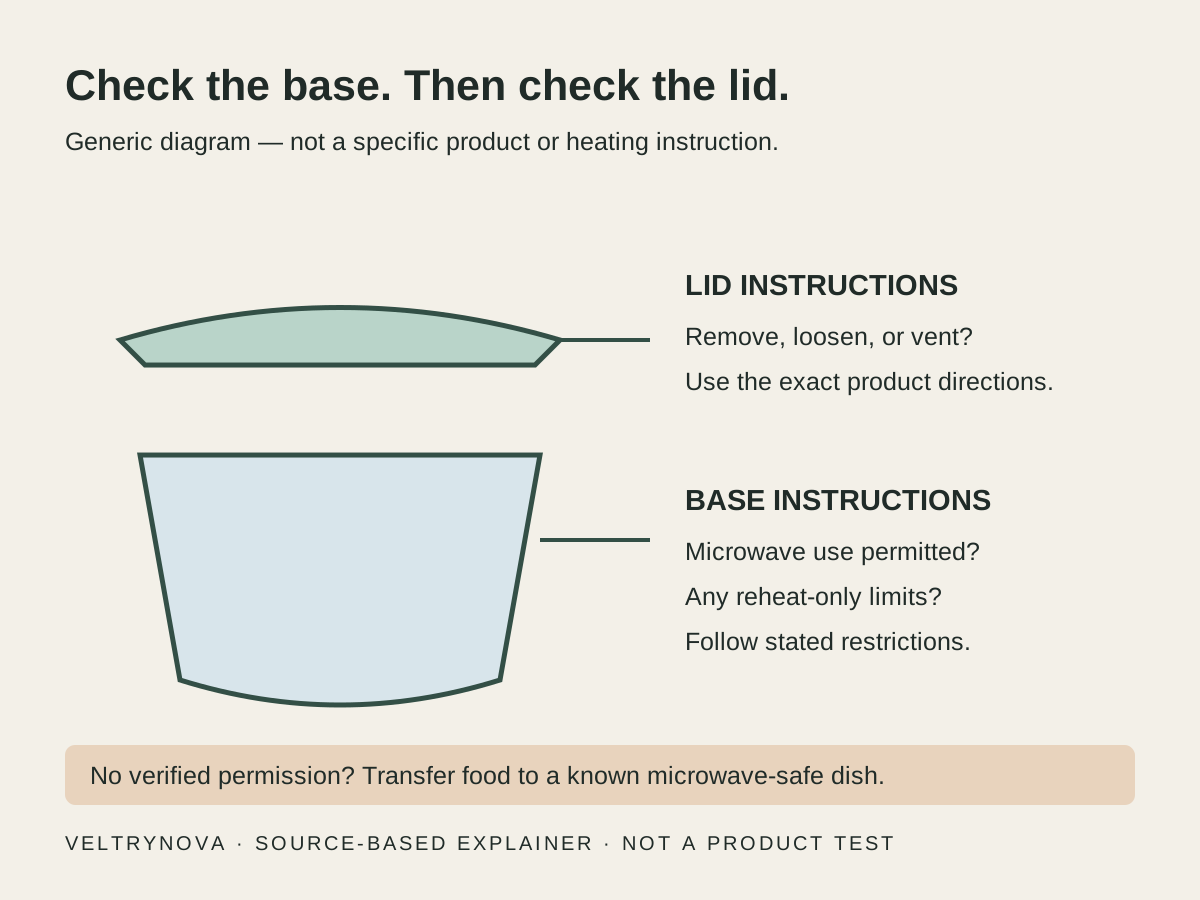
Read microwave directions on food containers without mistaking dishwasher, freezer, or material markings for heating permission. Includes a base-and-lid checklist.
Review signed-in devices, distinguish uncertainty from suspicious access, and keep useful recovery routes while cleaning up old account sessions.
Understand when an app password is appropriate, how it differs from your main password, and why modern sign-in is usually the better starting point.
Build a gift comparison from the recipient's needs, verified specifications, total cost, and return terms instead of an unsupported ranked list.
Create a menu, ingredient inventory, and preparation schedule while verifying food-safety, dietary, and allergy questions through appropriate sources.
Verify transport schedules, entry requirements, opening hours, transfer time, and booking terms from authoritative sources before acting on an AI itinerary.
Prepare a holiday computer handoff by testing recovery, following official erase instructions, and removing account associations before delivery.
Give holiday guests understandable network and lighting access while reviewing camera privacy, temporary permissions, and easy manual controls.
Check unexpected delivery fees and address-update requests against real orders using the retailer or carrier's independent official channel.
Compare refurbished laptop offers using exact configuration, seller condition definitions, software support, power accessories, and practical return timing.
Check platform, network transport, controller requirements, shared access, and return timing before giving someone a connected-home device.
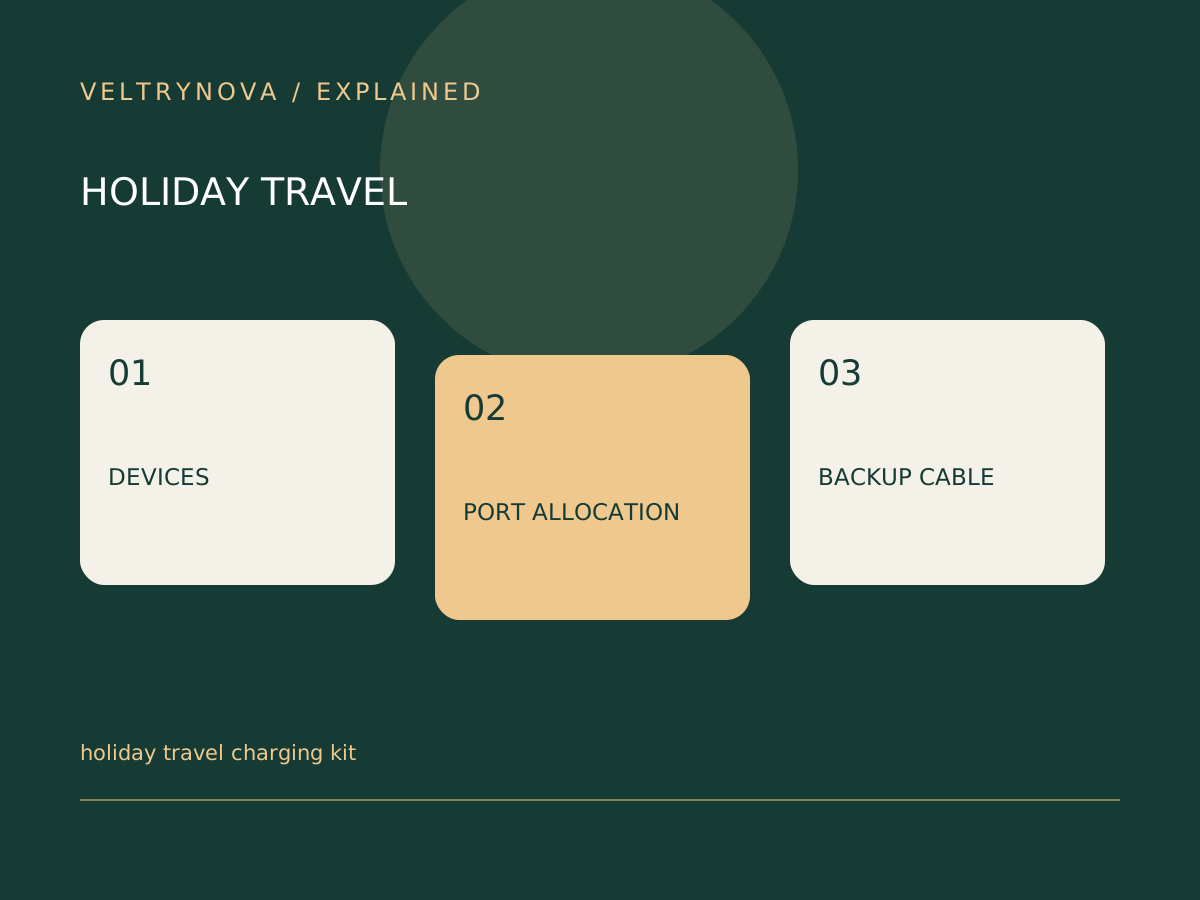
Plan a compact charging kit by checking device inputs, cable jobs, shared-port output, and destination requirements before holiday travel.
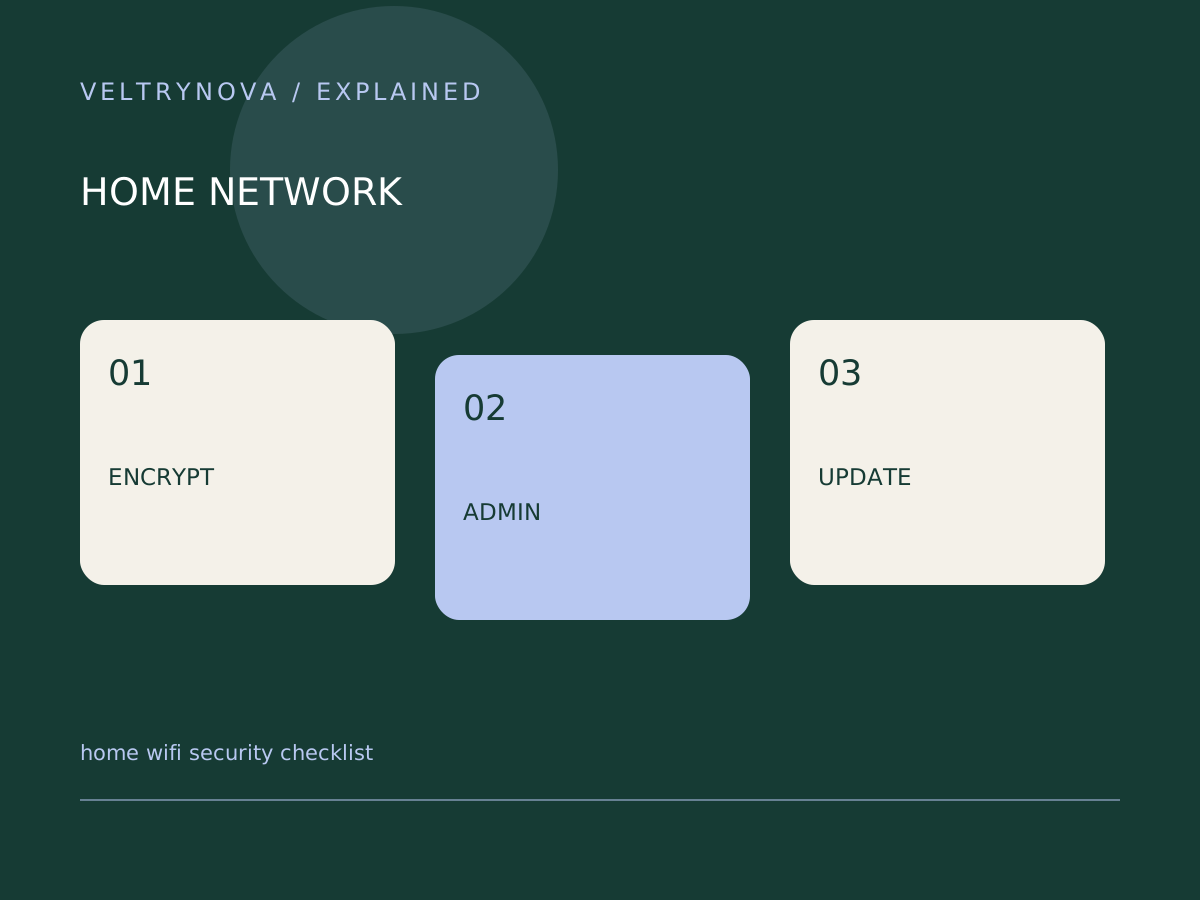
Review wireless encryption, router administration, updates, and guest access before adding more smart devices to your home network.
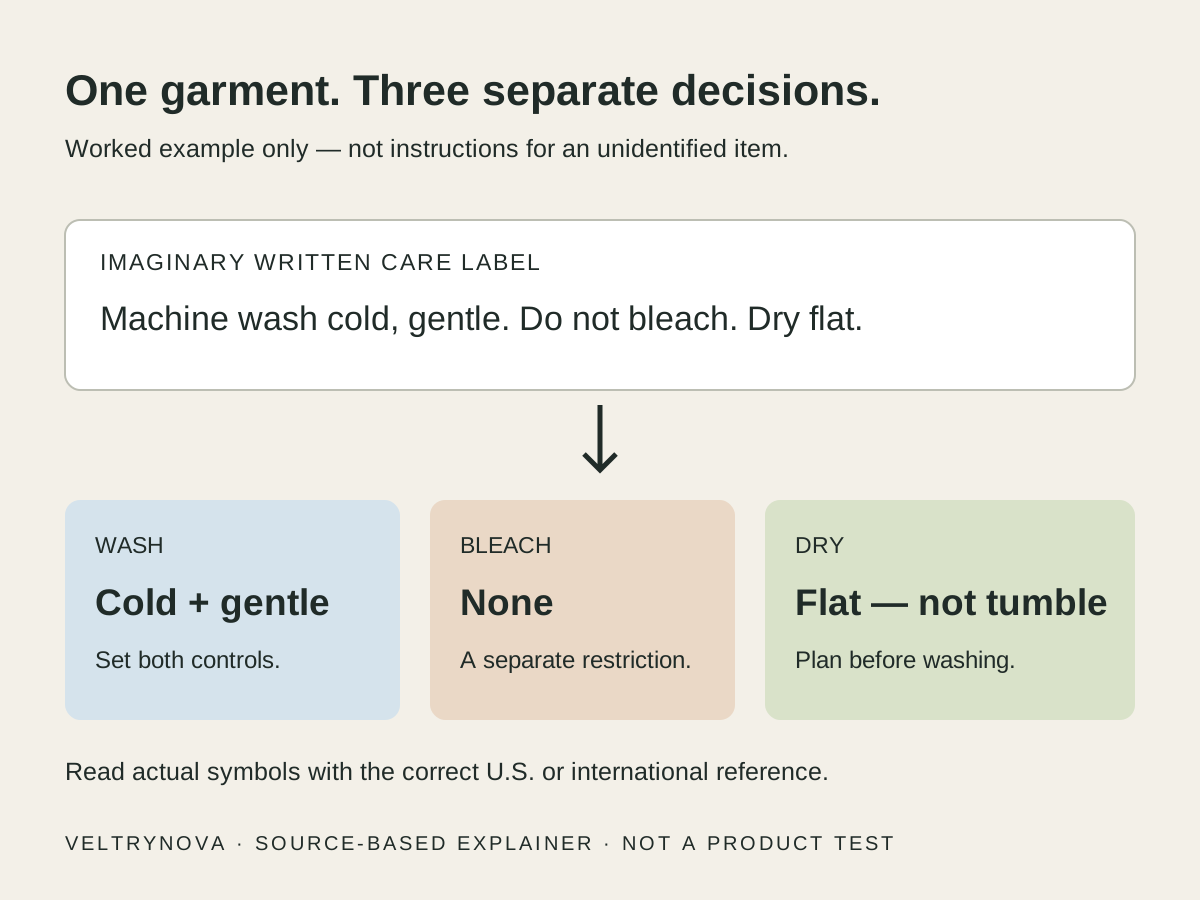
Decode washing, bleaching, drying, and ironing marks, then turn a clothing label into usable washer settings without confusing Celsius, dots, or cycle bars.
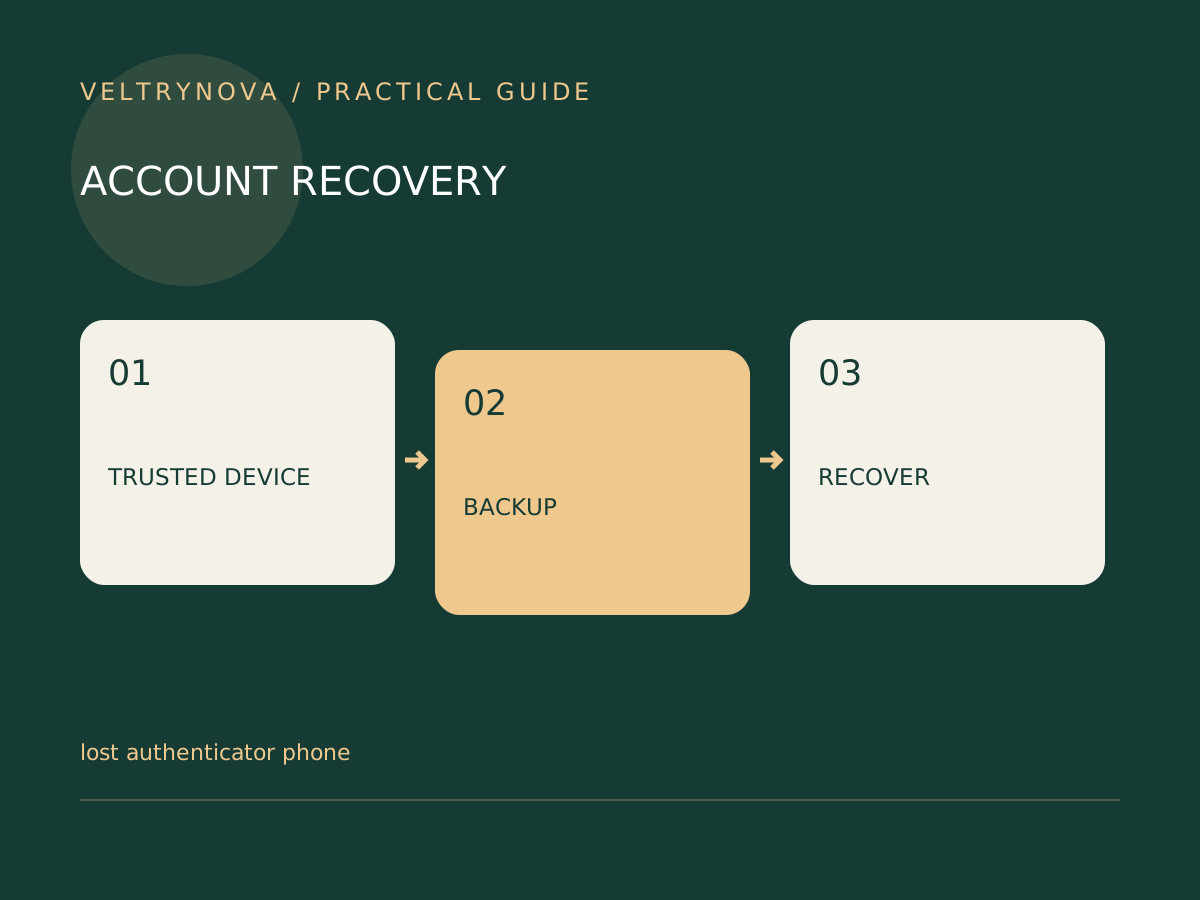
Follow a calm recovery sequence after losing your authentication phone, preserving signed-in devices and using the service's own recovery options.
Matter can reduce smart-home compatibility friction, but it does not make every device identical. Here is what the standard covers and what still needs checking.
Separate smart-home application compatibility from network transport so that hub, router, and accessory requirements make sense.
Distinguish local control, cloud services, remote access, and setup requirements before relying on a smart-home automation during an outage.
Passkeys can resist phishing and remove reusable passwords, but account recovery still matters. Use this checklist before changing an important sign-in.
Use an independent route to verify an account alert, invoice, or delivery message without trusting the contact details contained in the message.
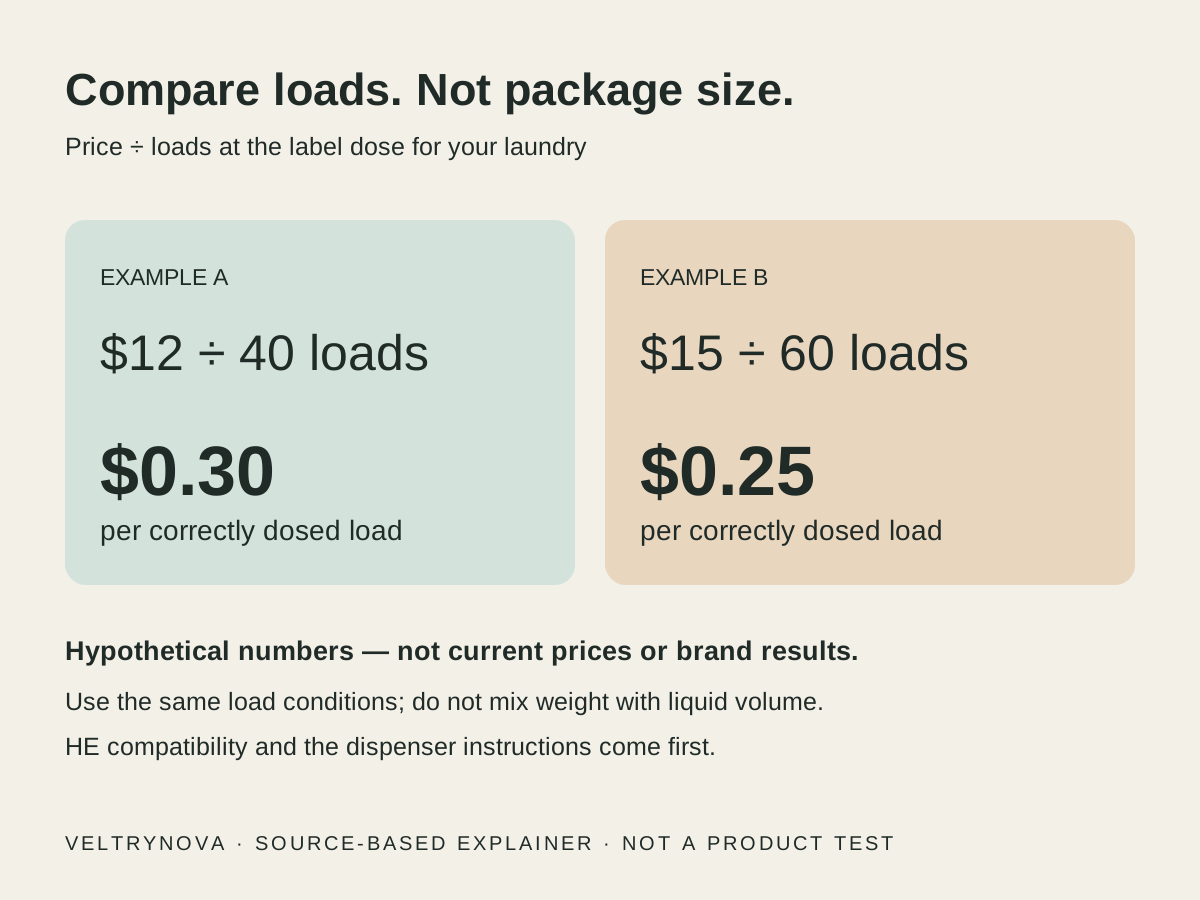
Choose detergent by wash temperature, stains, dispenser compatibility, and cost per actual load. Includes a comparison table and a label-based cost worksheet.
Plan physical controls and household habits so a smart bulb remains usable when apps, automations, and ordinary switches meet.
Plan camera views, account access, recording dependencies, and device support before adding more surveillance to shared household spaces.
Test triggers, timing, manual override, outages, and shared access so that an automation behaves well beyond its first successful demonstration.
Balance network separation with local device discovery when deciding where smart-home accessories and controllers should connect.
Prepare guest or household access, device records, physical fallbacks, and account removal when changing who manages connected equipment.
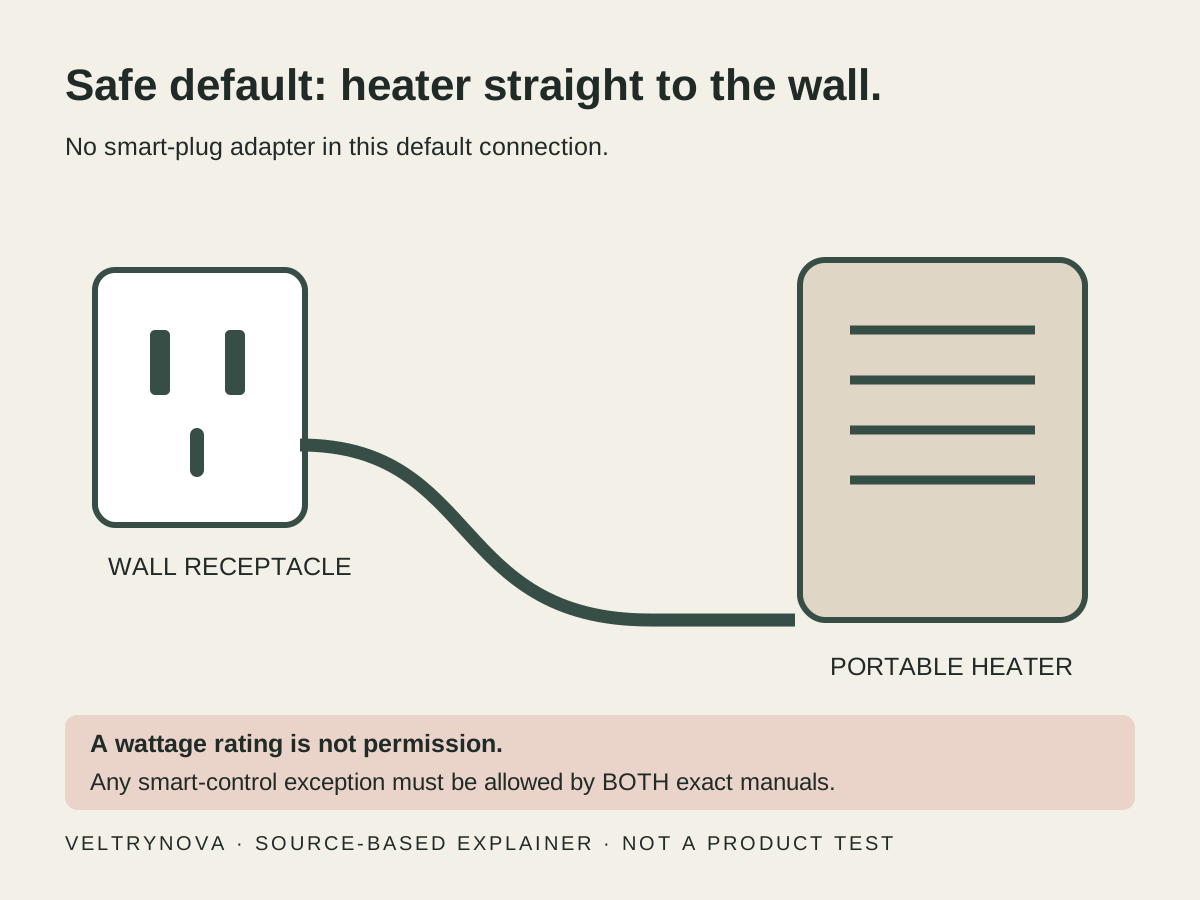
A smart plug's wattage rating is not permission to control a space heater. Compare the safety rules, manufacturer restrictions, and better alternatives.
Build an HVAC compatibility checklist covering system type, power requirements, installation, and household control before choosing a smart thermostat.
Understand the bridge between a Thread network and your home IP network before buying another hub for a connected device.
A practical guide to reading USB-C cable speed and wattage markings, checking certification, and avoiding the idea that one connector guarantees every feature.
Read a dock's power-input and host-output specifications separately, then account for accessories and the charger's multiport allocation.
Match a laptop's USB-C charging requirements to the charger's per-port output, cable rating, and behavior when other devices are connected.
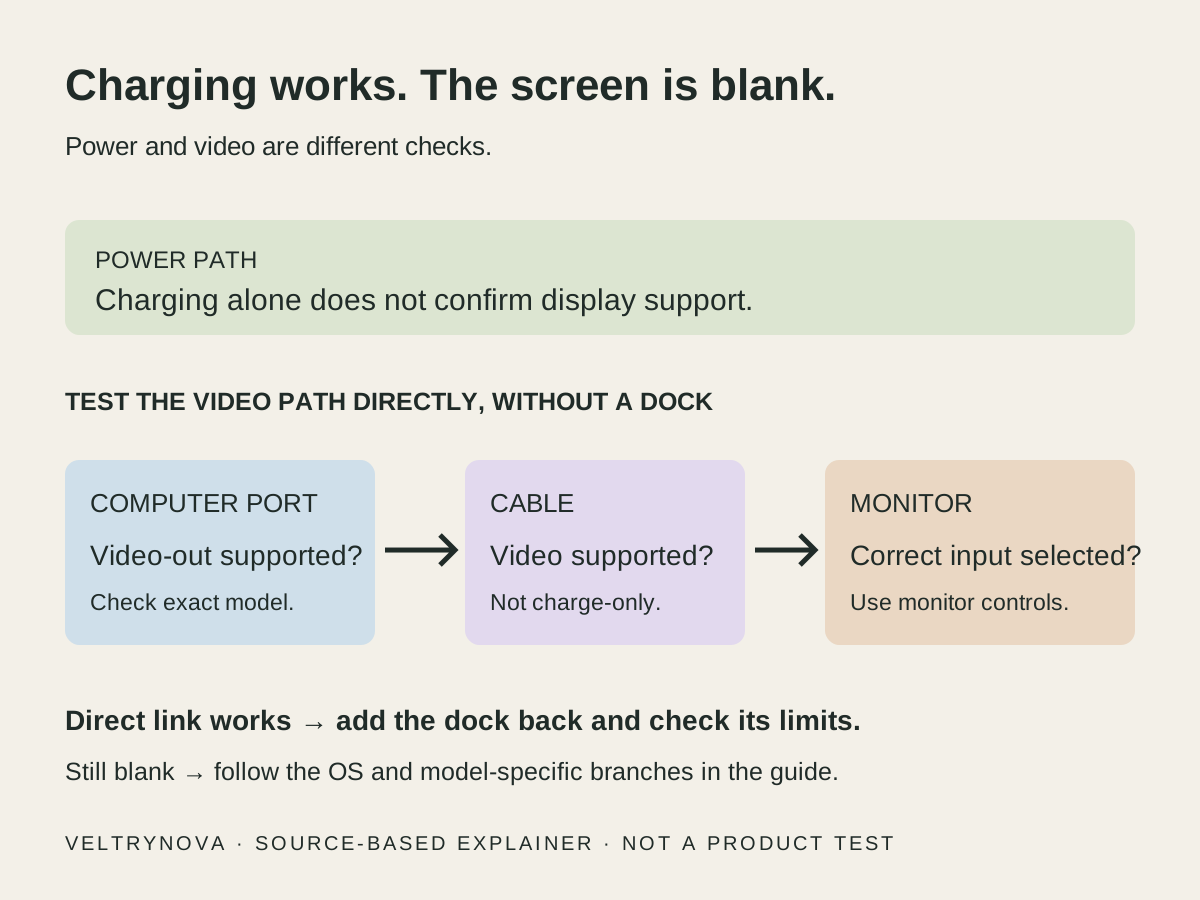
A charging laptop can still have no video. Follow this USB-C troubleshooting order to separate the port, cable, monitor input, Windows or Mac, and dock.
Separate the USB-C connector from USB4 transport capabilities, then use device specifications to decide which cable or dock you need.
Understand power versus stored energy, use a simple calculation carefully, and compare devices without treating advertised ratings as measured runtime.
Review equipment compatibility, household schedules, manual control, and outage expectations before relying on winter thermostat automation.
Build a traceable year-end summary by separating facts, dates, decisions, unresolved issues, and source locations before polishing the narrative.
Review actual use, export options, data settings, renewal terms, and alternatives before renewing or canceling an AI software subscription.
Review old site permissions, account profiles, and browser updates during a year-end cleanup without deleting useful data indiscriminately.
Separate a photo recap from preservation: locate original files, verify copies, review sharing, and test recovery before deleting anything.
No stories match that search. Try a broader topic.