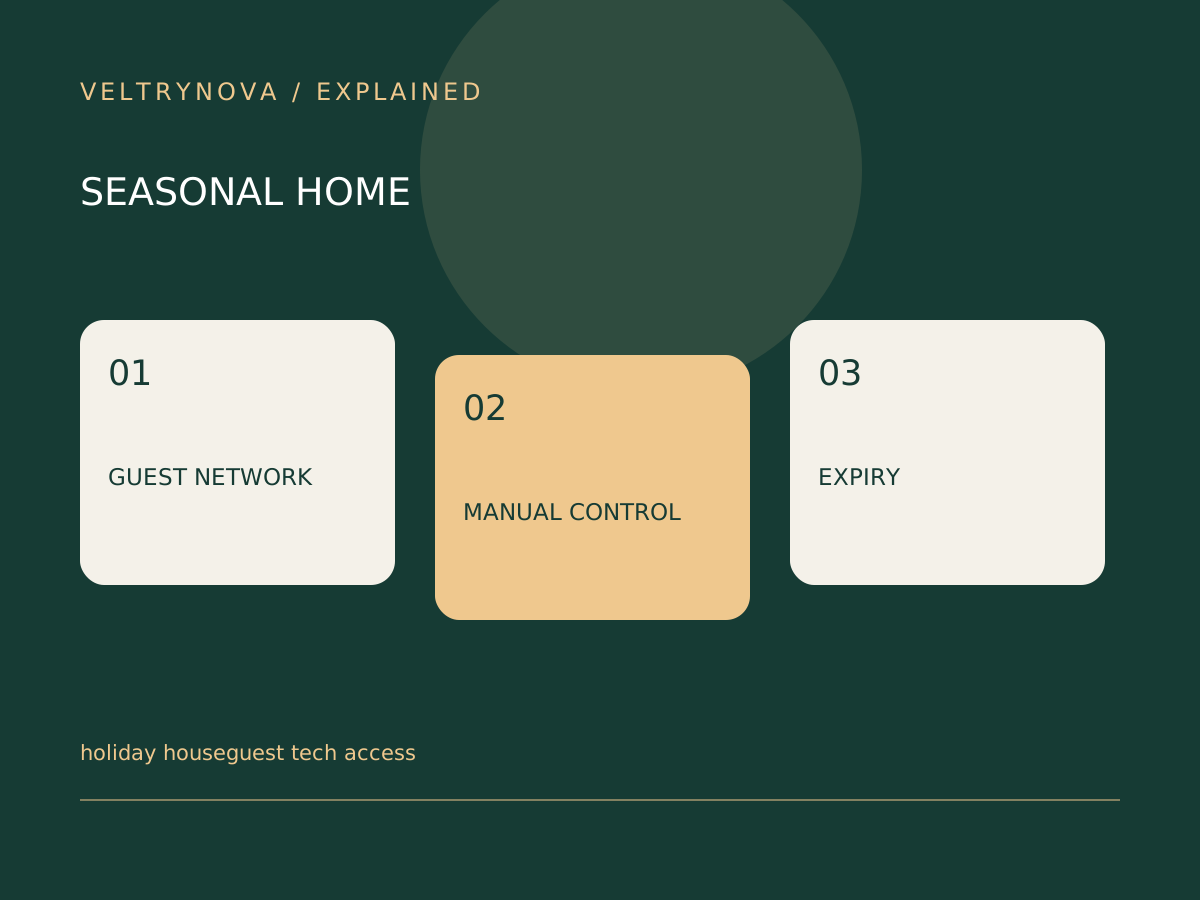
Guests should be able to use a light, adjust agreed household controls, and join the internet without borrowing the owner’s unlocked phone. Prepare a simple guest arrangement before the busy part of a holiday visit.
Start by identifying what visitors need and what should remain private. Network access, camera viewing, and smart-lock permissions are separate decisions.
Prepare the network
Review your router’s guest-network settings and supported security options. Check whether guest isolation affects services visitors actually need, such as printing or casting.
Do not put administrative credentials on a welcome sheet. If you share a Wi-Fi password, use a method appropriate for the household and avoid exposing it publicly.
Make physical control obvious
Check the switches and buttons in guest rooms, hallways, and common areas. A smart bulb that disappears when the wall switch is used can confuse somebody unfamiliar with the setup.
Explain any unusual control in one sentence. If the instruction requires opening several apps, consider a simpler temporary arrangement.
Review privacy and temporary access
Tell visitors about relevant indoor recording devices and follow applicable rules. Give only the access required through supported platform features.
After the visit, remove temporary memberships or credentials according to the product’s instructions. Verify that permanent household routines still work after access changes.
The FTC’s home-network guidance is useful for the router layer, while smart-home handoff covers access responsibilities. Our guest Wi-Fi guide explains why separation sometimes affects device discovery.
A successful guest setup is one people can use without repeatedly asking the owner to troubleshoot.