Home Wi-Fi security starts with the router’s configuration and support status. Adding a smart lock or camera to an old, poorly maintained network creates another dependency on that network.
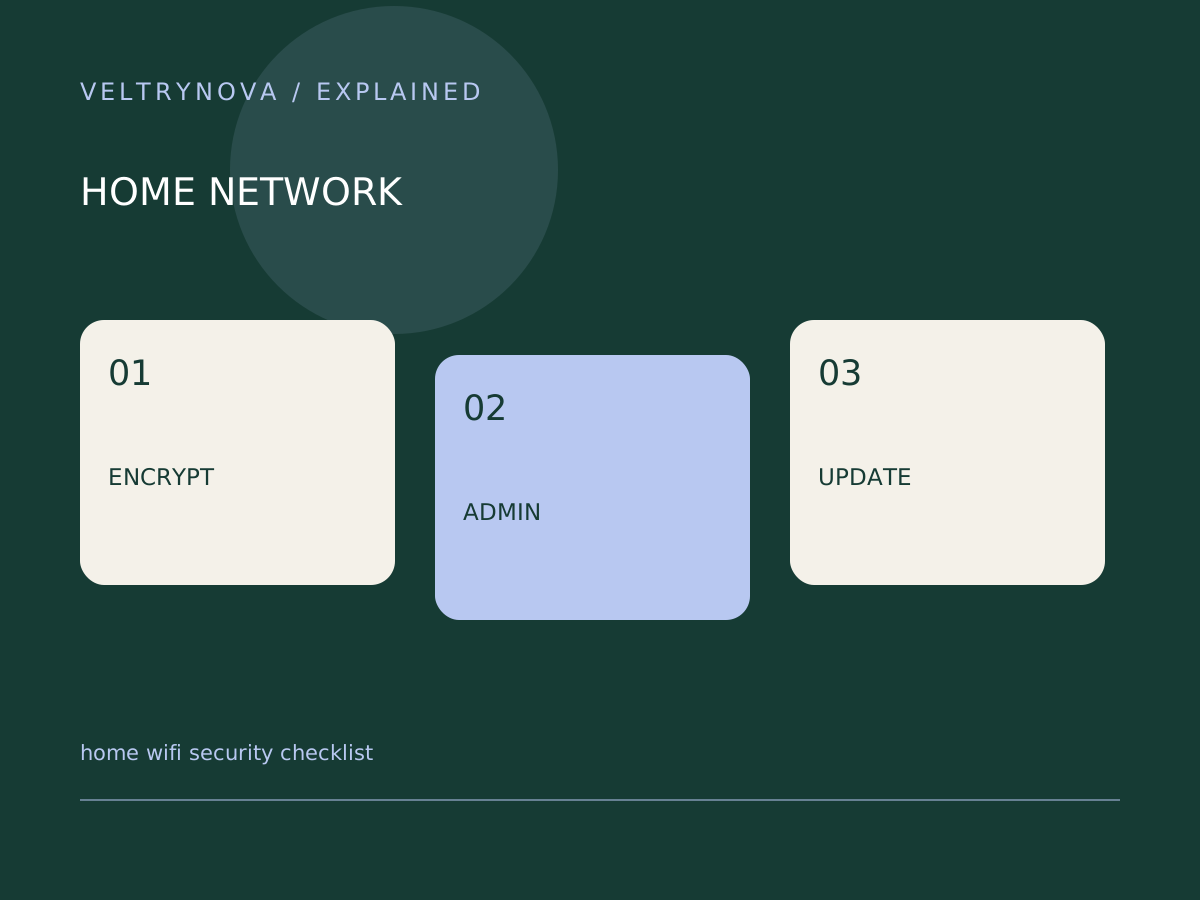
The FTC recommends modern wireless encryption, changing router defaults, and maintaining router software. Its guidance also distinguishes the network password from the administrator password used to change router settings.
Identify the two credentials
The Wi-Fi password lets a device join the network. The administrator password controls the router’s configuration. Changing one does not necessarily change the other.
Use the router maker’s official instructions to review both. Record the model and support page so that future updates do not depend on searching for an uncertain download.
Review encryption and support
Check the available encryption settings and device compatibility. The FTC identifies WPA3 Personal and WPA2 Personal as appropriate options and warns that older WEP and WPA are outdated.
If old devices prevent a stronger configuration, investigate whether they can be updated, replaced, or placed on an appropriately separated network. Do not assume changing a network name improves encryption.
Enable supported update mechanisms and learn how the router reports pending firmware updates. A router outside security support deserves a replacement plan.
Add guest access deliberately
A guest network can keep visitors from needing the main network password, but its isolation behavior varies. Check whether guests can access local devices and whether your smart-home setup needs local discovery.
After changes, test an ordinary website, a trusted local device, and any essential smart-home function. Keep a recovery path to the router’s settings.
Our smart-home guest network guide explains why stricter isolation can affect setup. Network security and device compatibility need to be checked together.