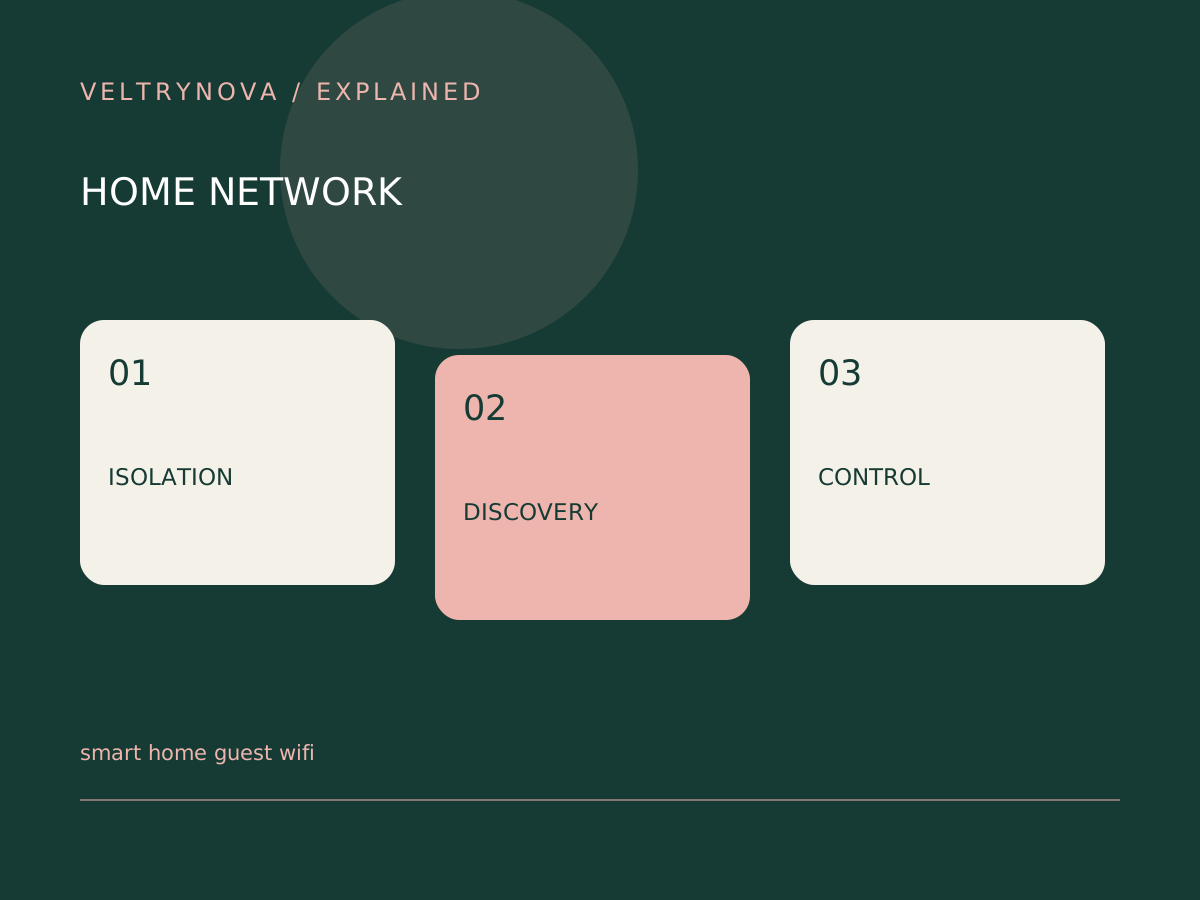
A guest network can keep visitors from needing your main Wi-Fi password. Moving smart-home devices there may also change whether your phone or controller can discover and reach them.
The security benefit and compatibility cost depend on the router’s actual isolation rules. The label “guest” is not a complete description of its behavior.
Find out what the router separates
Read the router manual for guest access to the local network and communication between clients. Some settings block local device discovery or traffic that a smart-home controller expects.
The FTC recommends reviewing router configuration and using a separate network where appropriate. Apply that advice with an understanding of the services your household needs.
Start with one nonessential accessory
Record its existing network and setup instructions. Move a low-consequence device first, then test initial discovery, local control, remote control, firmware updates, and automations.
If setup works only when the phone joins the same network, follow the manufacturer’s instructions. Do not randomly disable isolation across the entire network until the reason is understood.
For Matter products, local IP connectivity is part of the interoperability path. A bridge or controller may have separate requirements from the accessory itself.
Decide by function and consequence
A guest light, a camera, and a thermostat deserve different evaluations. Consider what each device can access, who needs to control it, and what happens if the connection fails.
A documented, supported arrangement is preferable to a fragile setup that works only while one temporary router option remains disabled.
After choosing the design, write down network placement without recording Wi-Fi passwords in a public device list. Use our home Wi-Fi checklist and local-control test to verify the broader setup.