A smart home becomes difficult to hand over when one person’s phone is the only control panel. A workable handoff explains everyday use and changes access without sharing the owner’s main account password.
The exact invitation, ownership-transfer, and reset process depends on the platform and device. Use the manufacturer’s current instructions for each step.
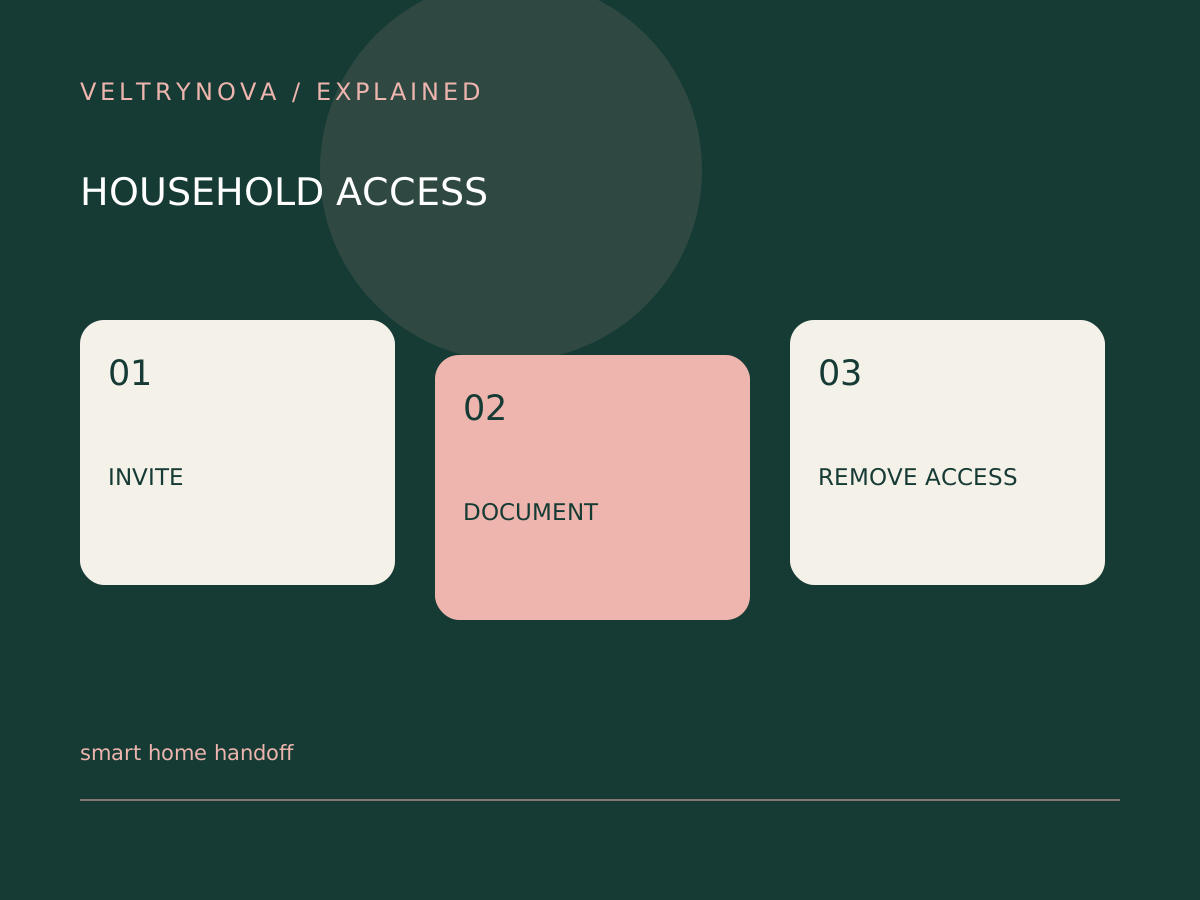
Create a household control map
List lights, climate controls, locks, cameras, and controllers. For each, record the app or physical control, the responsible account, and the fallback if connectivity fails. Keep setup secrets in protected storage rather than an exposed household sheet.
For temporary visitors, grant only the access they need through supported sharing features. Camera access and ordinary lighting access should be considered separately.
Test with the recipient
Have the other person perform the common actions from their own authorized device. Test a physical fallback as well. An invitation showing as sent does not prove that it was accepted or that the desired device is visible.
Matter can support interoperability, but household permissions and manufacturer-specific functions still require checking. A compatible logo does not transfer ownership by itself.
Clean up deliberately
When a person moves out or equipment changes hands, review platform membership, device sessions, and related cloud services. Follow the documented transfer or reset process before a sale.
Preserve configuration notes that are useful to the next owner without preserving access to your private account. For a permanently shared property, identify who is responsible for updates and support.
Our account device review provides a parallel account-cleanup pattern. The automation checklist helps confirm that routines still work after ownership or household changes.