An unfamiliar device label is a reason to investigate, not enough evidence by itself to identify an intruder. Browsers, applications, and device naming can make an account’s session list less intuitive than a list of the hardware on your desk.
Google’s account-security guidance recommends reviewing security activity and devices. The practical challenge is to decide which sessions you recognize without removing your only reliable route back into the account.
Build a reference list first
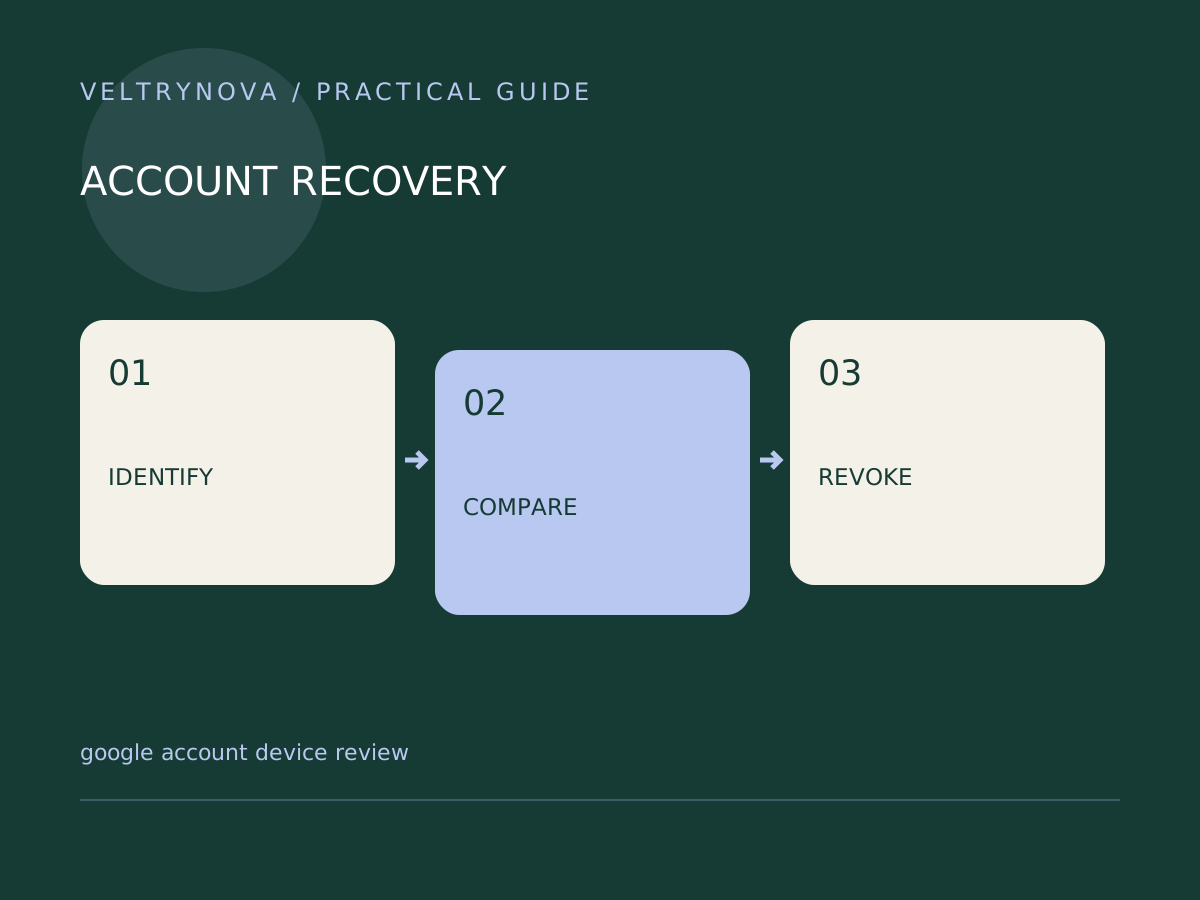
Write down your current phone, tablet, personal computer, work computer, and any recently replaced hardware. Note which browser profiles belong to each account. This is an account map, so keep passwords and codes out of it.
Open the Google Account security area from a known address or bookmark. Examine a session’s details and compare them with your own recent use. Treat approximate geography as context; travel, mobile networks, and network routing can make it misleading.
Investigate a mismatch
Ask three questions: Do I own or recognize the device? Is the timing consistent with my activity? Did I recently authorize an application or move to a new browser?
If a session remains unexplained, use Google’s security review and compromised-account instructions. Before a large cleanup, confirm that you know the password and have an independent verification method.
For a device you sold, lost, or no longer control, removing account access is more urgent than tidying a confusing label. A local browser sign-out and a provider-side session review address different parts of access.
Finish with a smaller attack surface
Remove unnecessary third-party access, update recovery information, and review authentication options. If you suspect actual compromise, follow the full recovery procedure instead of treating session removal as a complete fix.
A useful monthly record contains the review date, unresolved sessions, and completed actions. It should not become another repository of sensitive login details.
For shared computers, our Chrome profile guide explains why separate browser profiles organize accounts without creating a security boundary.