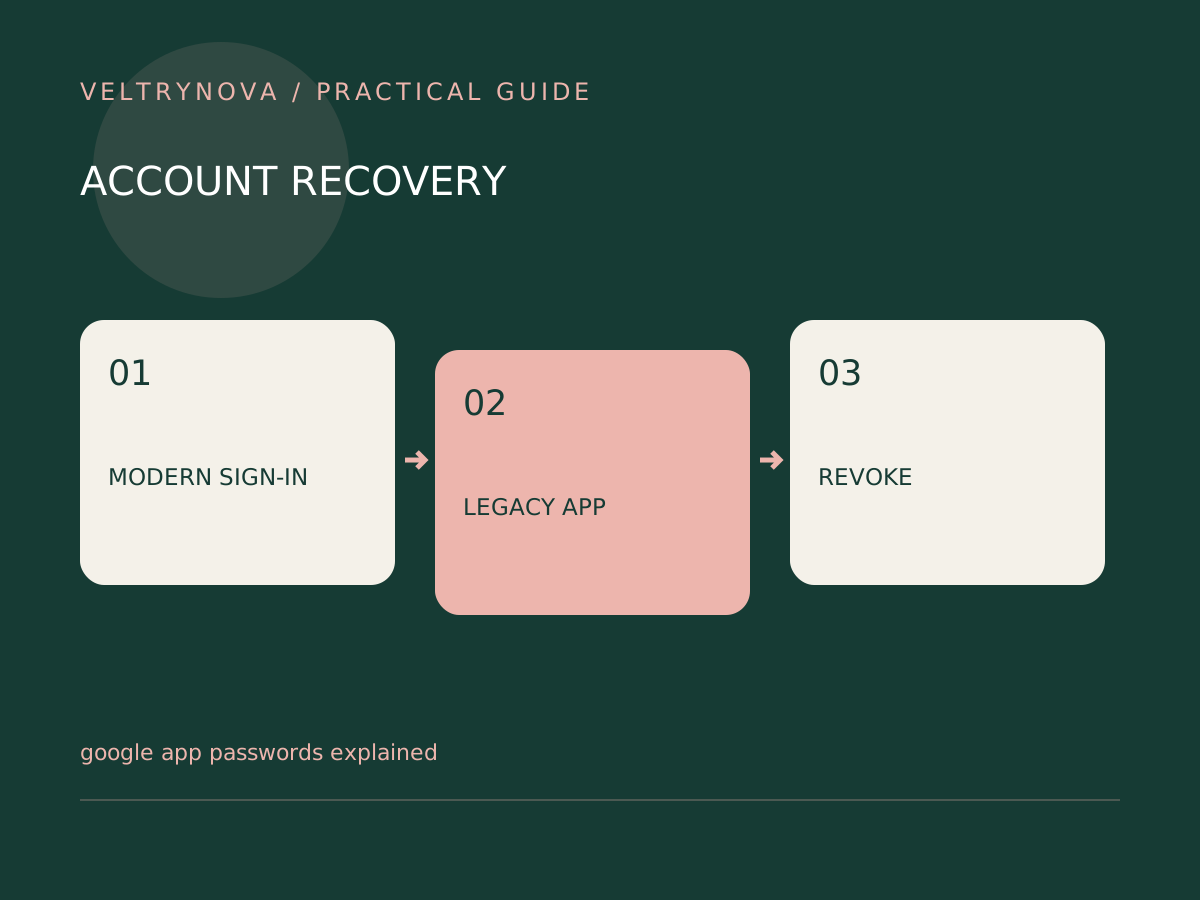
An older email client may report that your password is wrong even when that password works in a browser. Before resetting your main account password repeatedly, check whether the application supports the provider’s modern sign-in method.
Google describes an app password as a separate 16-digit passcode for certain apps or devices using an account with two-step verification. Google also says app passwords are unnecessary in most cases and recommends supported Google sign-in instead.
Check the application’s sign-in method
Update the application first, using its official distribution channel. Look for its documented Google account connection flow. If a current version supports provider-managed sign-in, start there rather than forcing a password into an older manual configuration.
A workplace or school administrator may restrict available authentication methods. Account protection settings can also affect whether the app-password option appears. Missing controls are not an invitation to disable protections until the menu becomes available.
Understand the tradeoff
An app password is still a secret. It should be entered only into the intended application and stored according to that application’s design. It is not a recovery code, a passkey, or a general replacement for your main password.
Keep a simple record of which legacy device uses which authorization. Avoid labels such as “miscellaneous app” that will be meaningless six months later. You should be able to revoke access when the device is retired.
Diagnose before weakening security
If connection still fails, check the client’s supported authentication, account type, server settings, and provider instructions. Do not solve a compatibility problem by disabling two-step verification across the entire account.
For a device that cannot use a supported secure method, replacement may be a better outcome than preserving it indefinitely.
If you are also changing authentication phones, consult our lost-phone recovery guide before removing any existing recovery route.