A recovery code is useful only when you can reach it without the device you just lost. Before choosing a storage location, imagine that your phone is missing, your laptop is signed out, and your password manager needs a second factor.
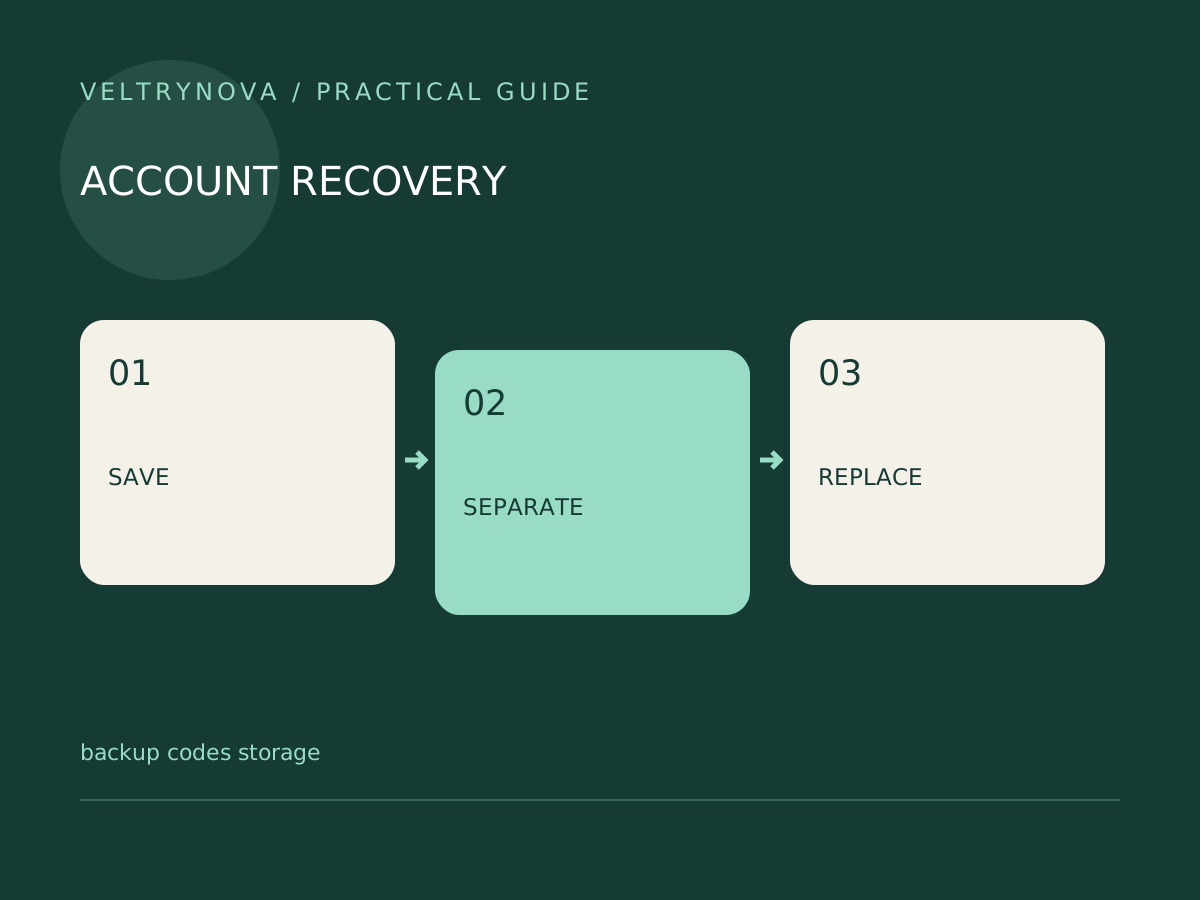
Google says each backup code becomes inactive after use, and generating a replacement set invalidates the previous set. That makes recovery codes a small inventory you must maintain, rather than a document you save once and forget.
Choose two failure-independent locations
A printed copy in a secure physical location can survive a broken phone. An encrypted digital copy may be easier to reach while traveling. Neither is universally best: the important question is whether access to the copy depends on the account it unlocks.
Write down the service name and account identifier with the codes, but avoid placing the password beside them. Protect the physical location against casual access. For a digital copy, consider who can unlock the storage and what happens if that storage provider becomes unavailable.
Rehearse the recovery route
You do not need to spend a code to check the plan. On paper, trace the route from a signed-out browser to the protected account. Identify every required device, password, email address, or trusted person. A circular route is a problem: codes stored only inside the locked account cannot resolve that lockout.
For an important account, review the provider’s recovery instructions before changing authentication methods. Some account types restrict backup-code availability.
Keep the set current
After using a code, mark it used in every maintained copy. When you replace the entire set, securely dispose of outdated copies and update your inventory date. Do not send a code to somebody claiming to provide support.
Practical check: Could you locate the correct set within ten minutes using a device you do not normally carry? If the answer depends on memory, improve the instructions now.
For the wider sign-in plan, read our passkey preparation checklist and lost-authenticator-phone guide.