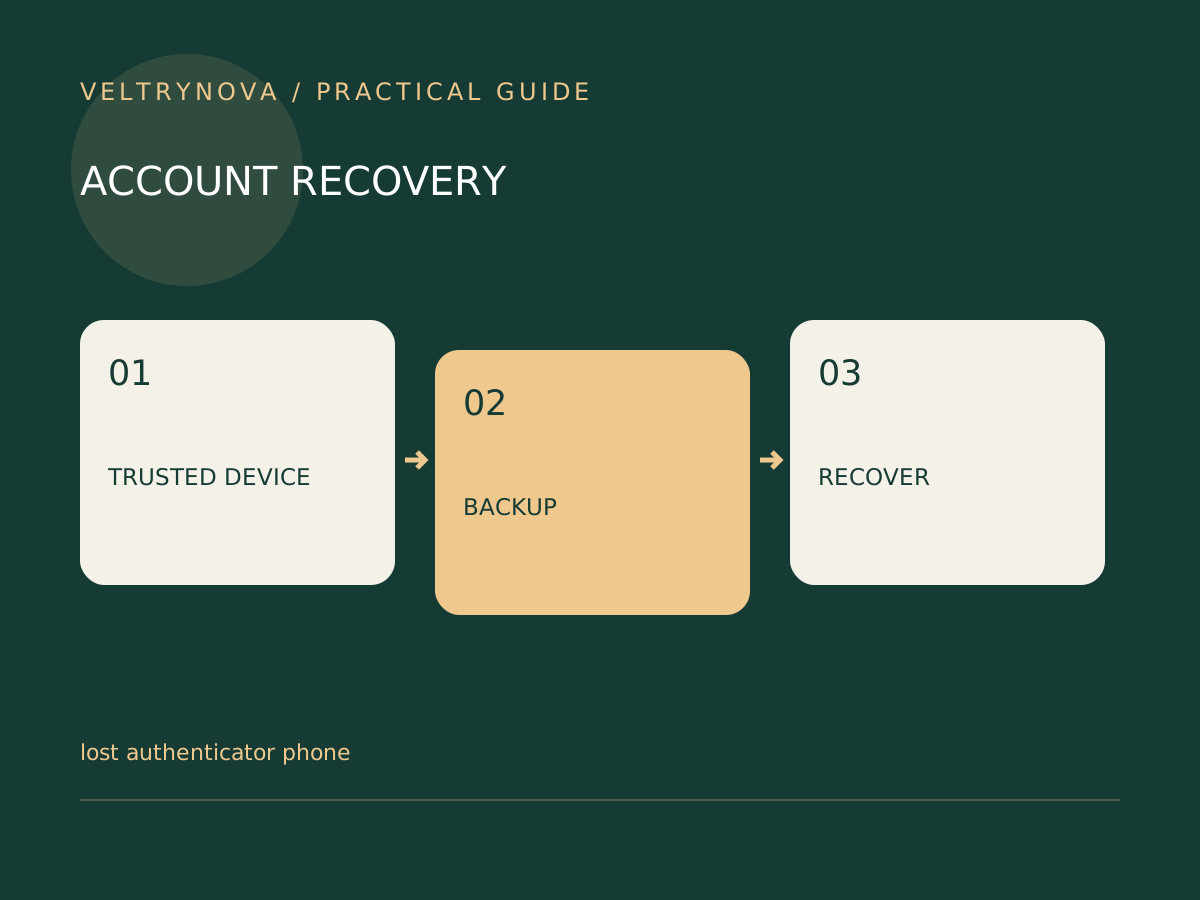
When an authentication phone disappears, the first task is to preserve your remaining access. Signing out of every device immediately can remove a useful recovery route. Work from a trusted computer, open the provider’s website yourself, and identify which accounts are affected.
Google lists several possible alternatives to a missing primary phone, including previously saved backup codes, another enrolled phone, a registered security key, or a passkey on another device. Availability depends on what you configured beforehand.
Make an access inventory
List your primary email, password manager, mobile carrier, and the most consequential accounts. Beside each, record whether another device is still signed in and whether an alternate verification method exists. Do not record secret codes in this inventory.
Start with the account that helps recover the others. Email often occupies that position, but a password manager or employer-managed identity may be equally important. For work accounts, ask the organization’s administrator about its recovery procedure.
Use existing recovery methods
Try a configured alternative through the legitimate sign-in flow. A recovery method must already belong to the account; buying a new hardware key after losing access does not make that key a registered credential.
If no alternative works, follow the provider’s account-recovery process. Avoid people offering guaranteed recovery for a fee or asking you to disclose a verification code. Never approve an unexpected login prompt merely because you are currently dealing with a lockout.
Contain exposure after access is restored
Review the missing device’s sessions and follow the provider’s lost-device instructions. Replace compromised credentials, re-establish recovery methods, and save a fresh recovery inventory. If the phone number may be exposed, contact the carrier through its published support channel.
The order matters: regain controlled access, address the missing device, and then rebuild redundancy. Recovery is not complete simply because one browser works again.
Use our backup-code storage guide to remove single-device dependencies before the next emergency.