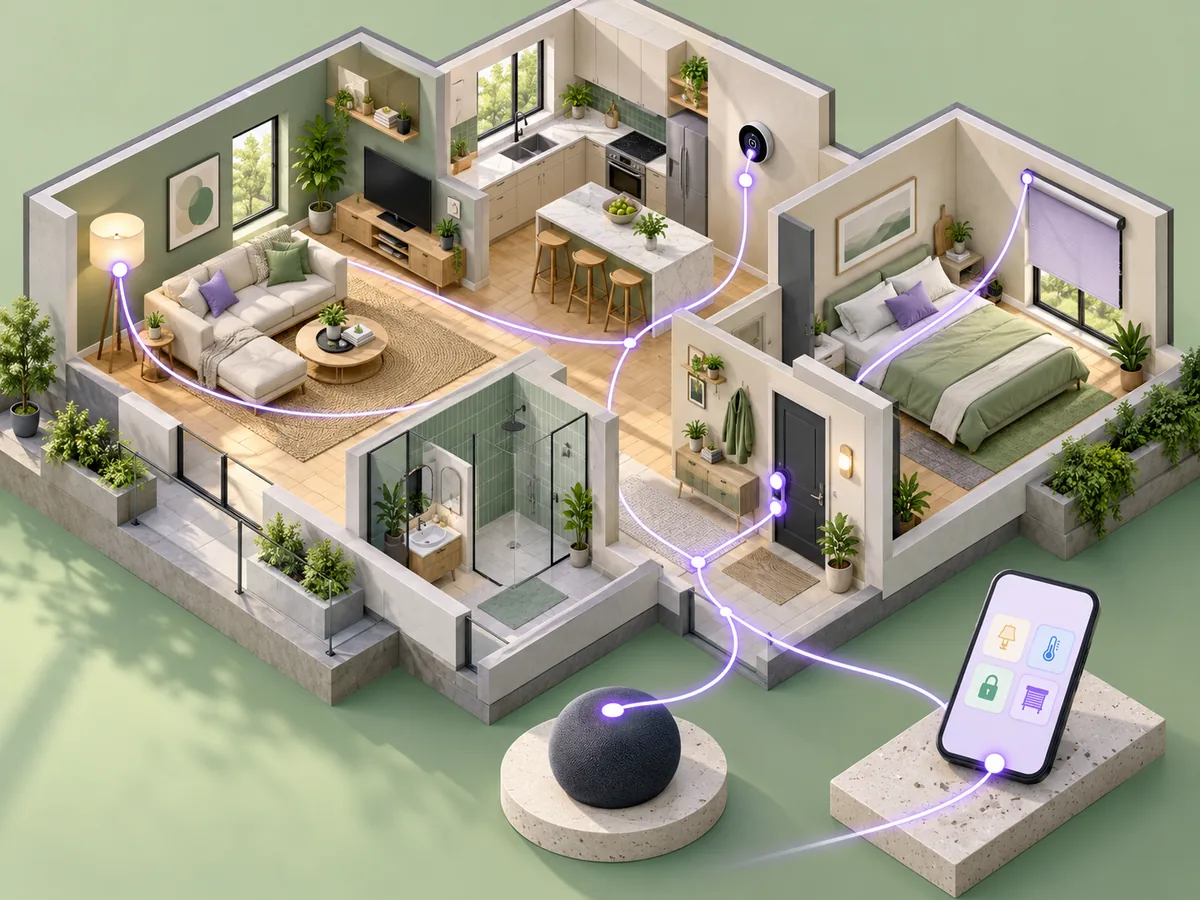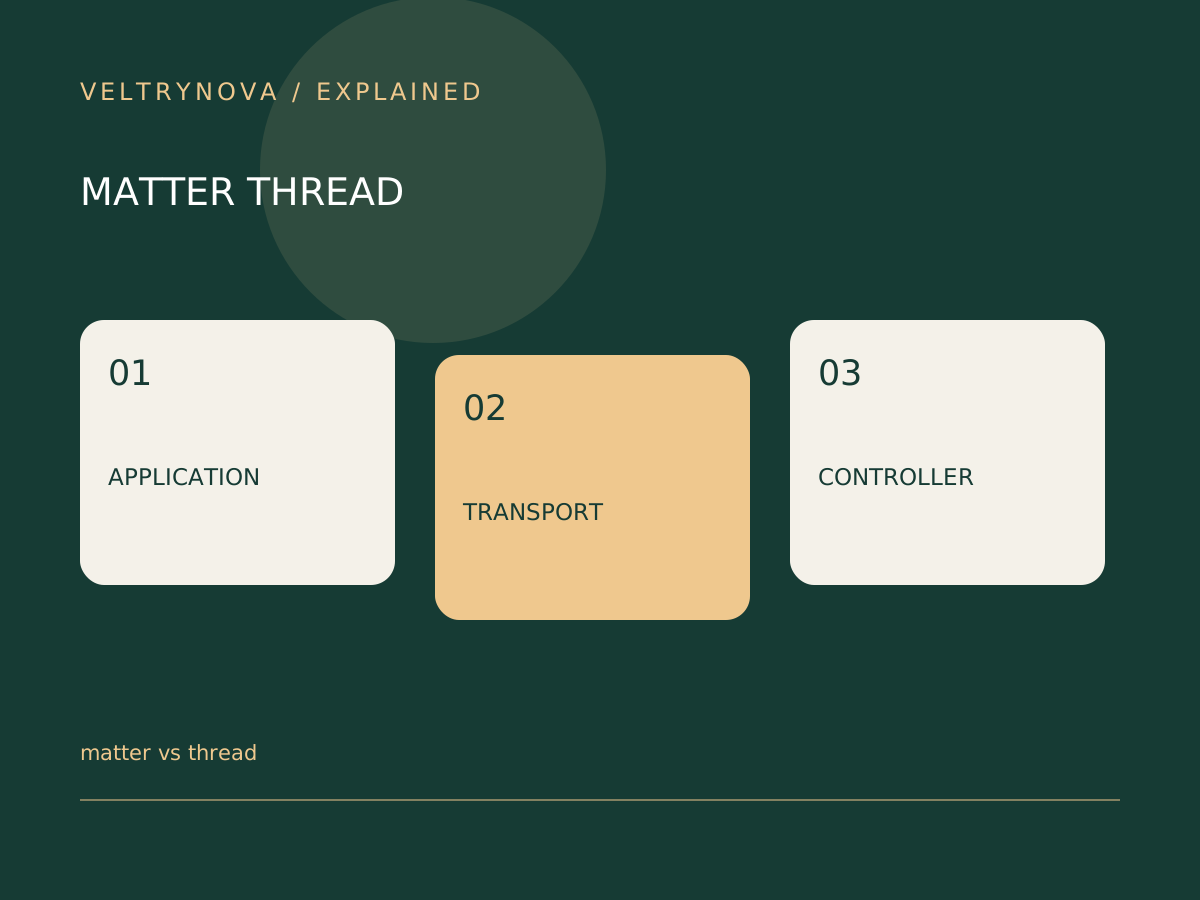
Matter, Thread, and Wi-Fi appear together on smart-home packaging, but they answer different compatibility questions. Matter concerns how supported devices and platforms communicate at the application level. Thread and Wi-Fi provide network connectivity.
The Connectivity Standards Alliance describes Matter as an IP-based interoperability standard. The Thread Group describes Thread’s networking role. These layers work together rather than competing for one universal “best” label.
Read the accessory requirements in order
First identify whether the device supports Matter and the features you need on your preferred platform. Next identify the transport used by that specific device. Then identify any controller, border router, or manufacturer bridge required.
A Matter-over-Wi-Fi accessory and a Matter-over-Thread accessory can have different setup dependencies. A bridge may also expose supported devices through another arrangement. Do not infer one product’s architecture from another product in the same brand family.
Compare household needs
For a single mains-powered device, the immediate issue may be Wi-Fi coverage and platform support. For low-power sensors, networking characteristics and supported infrastructure may matter more.
Avoid buying a hub merely because a product description mentions several standards. Match the exact model and role to the missing requirement in your own setup.
Keep feature expectations specific
An interoperability standard does not mean every manufacturer feature appears identically in every app. Identify the essential actions, automation triggers, and settings you actually use.
Before changing platforms, verify those functions and household access on a small setup. Retain the original controller until the new arrangement works.
For the networking bridge role, read Thread border routers. For the larger purchasing checklist, see what the Matter logo promises.