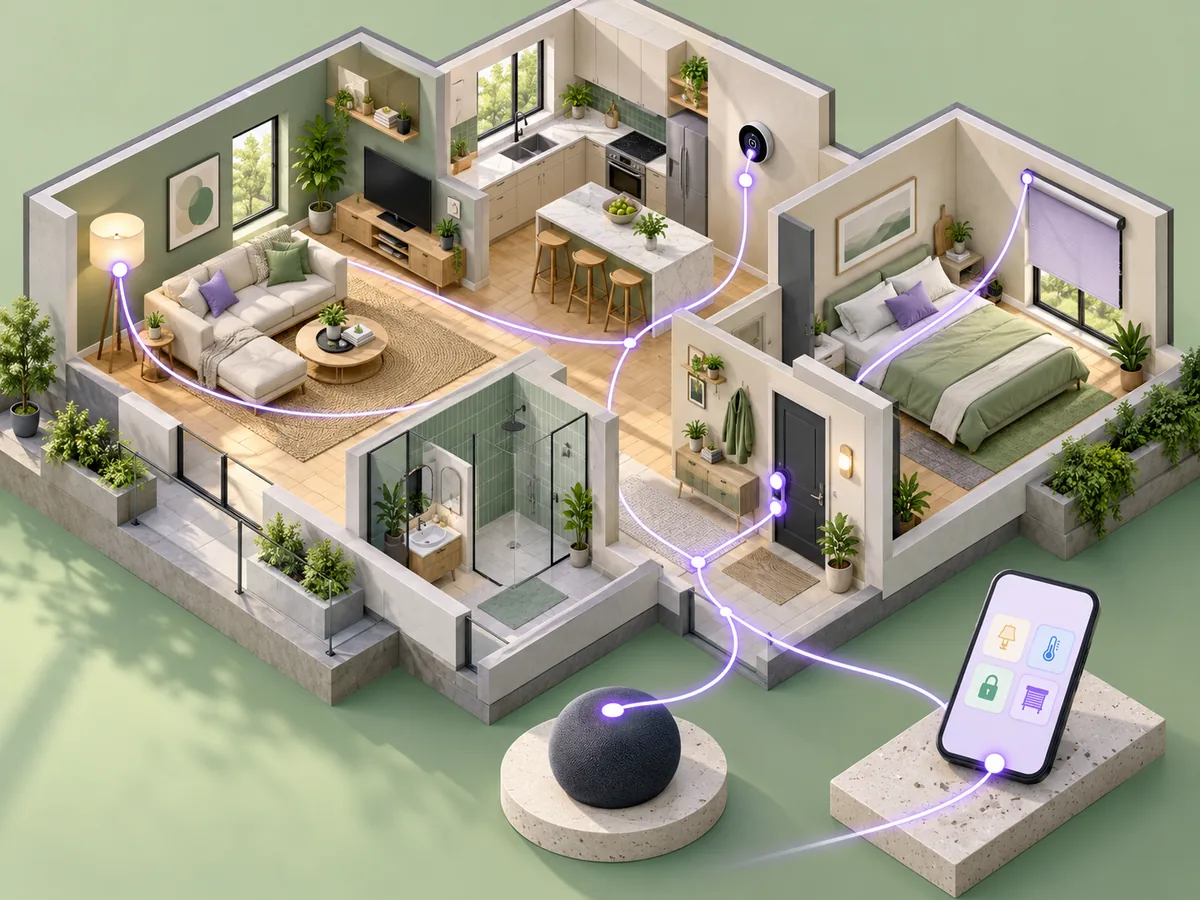
A Thread device needs a path between its low-power network and the rest of the home network. A Thread border router provides that connection. It is not simply another name for every smart-home hub.
The Thread Group describes Thread as an IP-based mesh networking technology. Matter adds an application layer that can use supported network transports, including Thread. A product can therefore support one role without supporting every other role you need.
Identify roles, not boxes
List the accessory, its network transport, the smart-home platform you want, and the controller or border router already in your home. Some products combine roles, but the manufacturer’s specifications must confirm that combination.
A Wi-Fi router is not automatically a Thread border router. Equally, an existing speaker or streaming device may provide a needed role without requiring another dedicated box. Check its exact model.
Plan the setup path
Read the accessory’s setup requirements before purchasing. Confirm the phone platform, supported controller, and whether a compatible border router must stay powered.
Place always-on network equipment where it can serve its intended area. Do not assume that a battery-powered sensor extends the mesh in the same way as a powered network device.
Test the experience you need
After setup, check basic local control, the intended automation, and any remote access separately. A working accessory tile does not prove that every household member has access or that all routines use the expected controller.
Keep setup codes and device records in a secure household inventory. When replacing network equipment, retain the old working arrangement until the new one is verified.
Our Matter versus Thread guide separates the standards, and Matter compatibility explainer helps distinguish basic interoperability from platform-specific features.