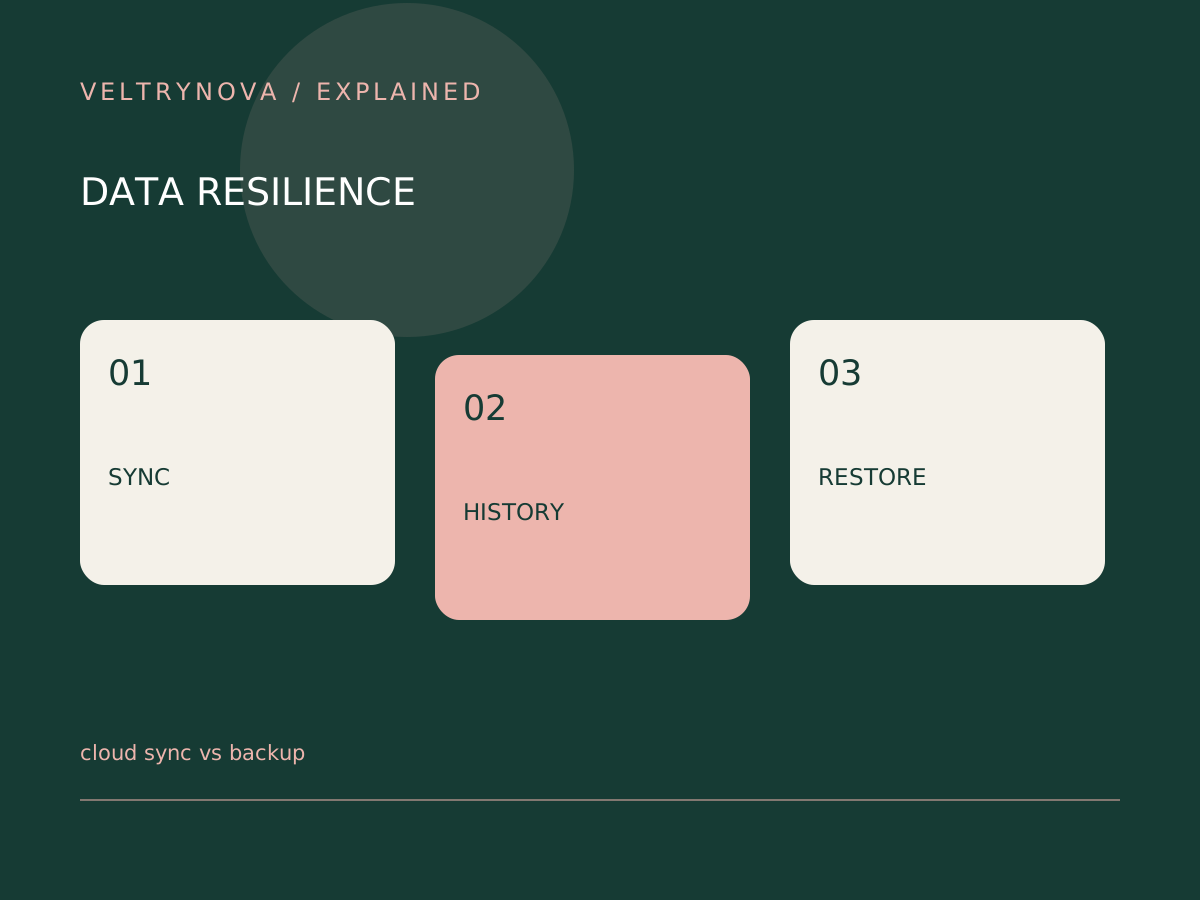
Cloud sync tries to keep selected locations consistent. That convenience can also propagate an unwanted deletion or change. A backup strategy asks a different question: can you recover a known earlier state after a mistake or failure?
Some sync products include useful history and recovery tools. Their presence, retention, and account requirements must be checked for your actual plan rather than assumed from the word “cloud.”
Trace one deletion
Choose a harmless test file. Put it into the synced location, confirm it appears on a second device, and learn where deletion recovery is documented. Do not experiment with your only copy of an important document.
Write down the retention window, version behavior, and whether an account administrator controls recovery. A subscription change or closed account can affect access.
Keep an independent route
For important files, consider whether a separate copy remains available if the main account is inaccessible. Independence includes account access and encryption keys, not just another folder on the same computer.
The FTC’s computer-disposal advice starts with preserving information before erasing hardware. A sync icon alone is weak evidence that everything needed from the old device is preserved.
Test recovery rather than the dashboard
Restore a small sample into a separate folder and open it. Include an older version if your plan promises version history. Record the date and the steps that worked.
If a tool cannot recover what you need, change the plan before replacing or wiping the source computer. Keep a list of folders excluded from sync; local downloads and application data are easy to miss.
Our restore-test guide describes a low-impact drill, and bookmark backup covers one commonly forgotten part of a computer move.