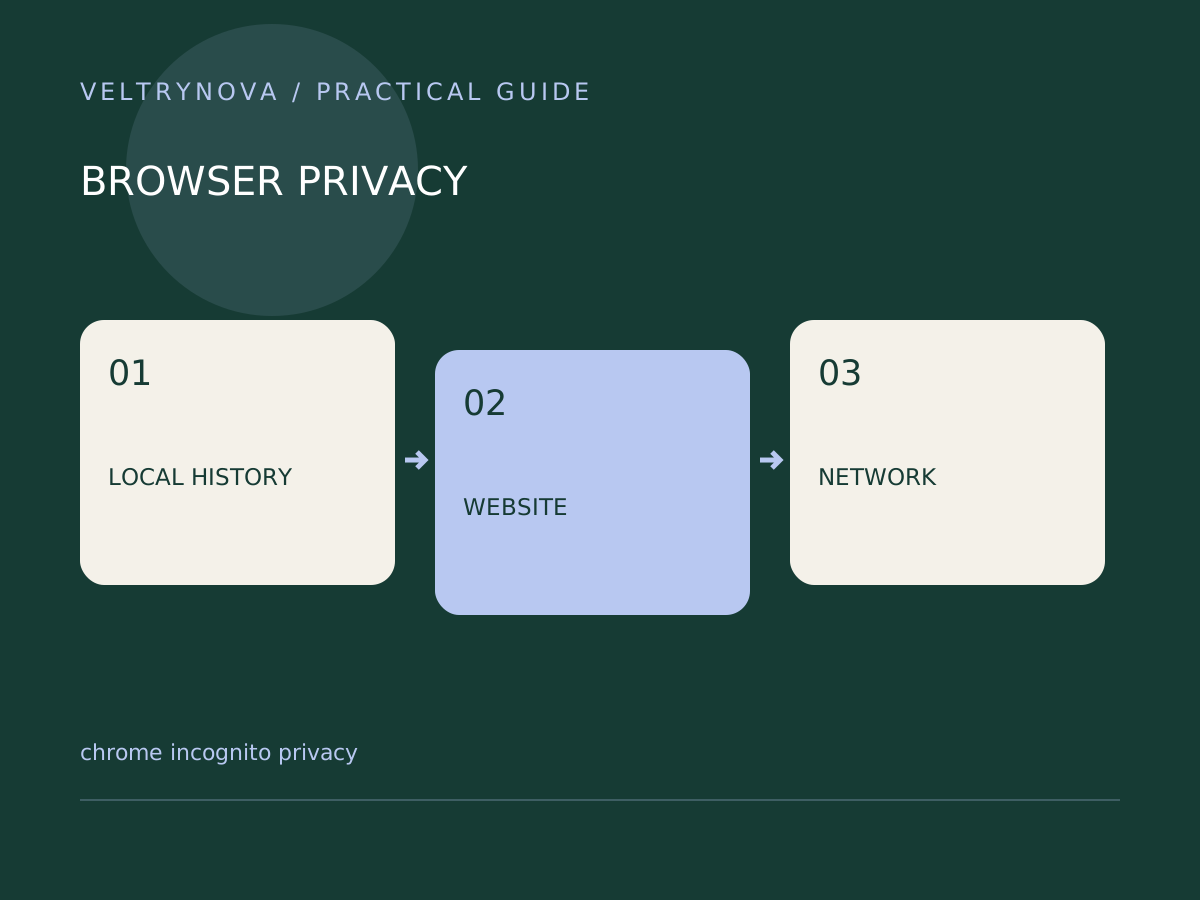
Incognito is useful when you want a separate browsing session that leaves less history in Chrome after you close it. It is a poor choice if your goal is to become anonymous to every website or network.
Google explains that Incognito does not make you invisible to websites, your employer or school network, or your internet service provider. Downloaded files and bookmarks also remain after the session ends.
Match the tool to the privacy problem
For gift shopping on a shared personal computer, a separate session may prevent suggestions or local history from revealing the surprise. For signing into a sensitive account on somebody else’s device, the larger concern is whether that device itself is trustworthy.
A private window does not remove downloaded documents from the computer. If you save a file, its storage and later disposal are separate tasks. Likewise, signing into a website identifies you to that service for the session.
Use it as a troubleshooting comparison
A clean session can help reveal whether ordinary browser state contributes to a website failure. If a page works privately but fails normally, inspect cookies, extensions, and permissions instead of concluding that the website is fixed.
The comparison is imperfect: cookie rules and extension availability may differ. Note what changed and retest deliberately.
Close the entire private session
The session ends when all Incognito windows are closed. Leaving one open can preserve that session’s temporary state. On a shared device, check the window list before walking away.
For everyday organization, separate Chrome profiles can keep accounts and bookmarks distinct. They also do not protect one user from somebody who can open their profile on the same unlocked computer.
Choose Incognito for a specific local-session purpose, and use account security and device access controls for the other layers.