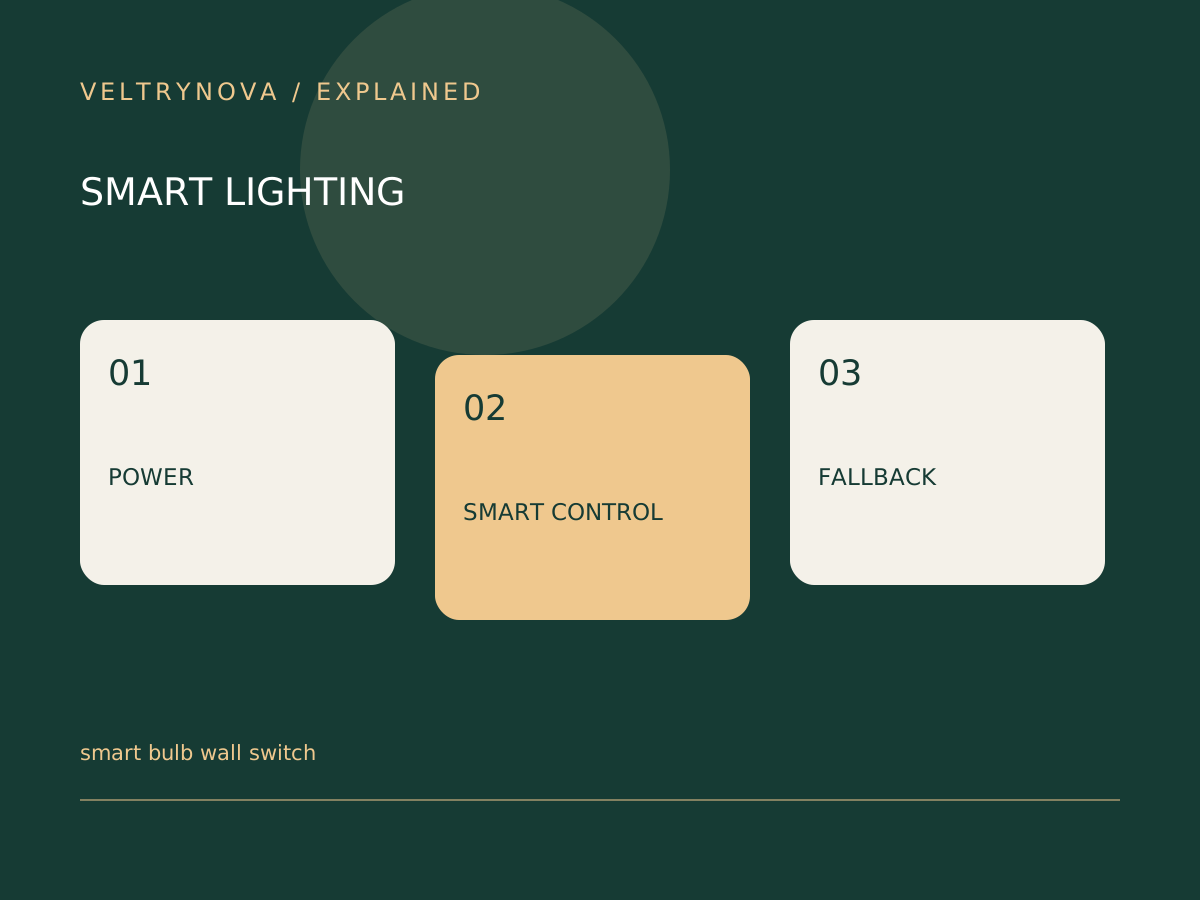
A smart bulb usually needs electrical power to remain available for network control. If an ordinary wall switch removes that power, an app cannot simply command the bulb back online.
This is a control-design problem as much as a connectivity problem. Before troubleshooting Wi-Fi, ask whether the fixture is actually powered.
Separate power from commands
Identify which controls cut power and which send a supported lighting command. A compatible remote, button, or wall control may provide a more intuitive everyday experience, but compatibility and installation requirements vary by system.
Check the bulb’s instructions for fixture, dimmer, temperature, and power-restoration requirements. Do not assume an existing dimmer is suitable merely because the lamp turns on.
Design for somebody without the app
Imagine a guest entering the room at night. The control should be understandable without a phone, account invitation, or explanation of the network.
Labeling or replacing an incompatible control arrangement may help, but electrical modifications require appropriate installation and compliance with local requirements. Never cover a hazardous or confusing wiring situation with an automation workaround.
Test power restoration
Use the manufacturer’s supported procedure to check what the bulb does after power returns. Consider nighttime brightness, retained settings, and whether a routine resumes. Different products can behave differently.
ENERGY STAR’s LED guidance also emphasizes fixture suitability and thermal behavior. Smart features do not remove those ordinary lighting considerations.
For a larger setup, read Matter versus Thread and test the complete path with our automation checklist. A good smart-lighting arrangement should still make sense to the person reaching for the wall control.