An old computer can make a useful holiday gift, but handing it over with your accounts or files still accessible transfers more than hardware.
The FTC recommends preserving needed information, erasing personal data, and disposing of equipment appropriately. The exact erase procedure depends on the operating system, storage, and device-management status.
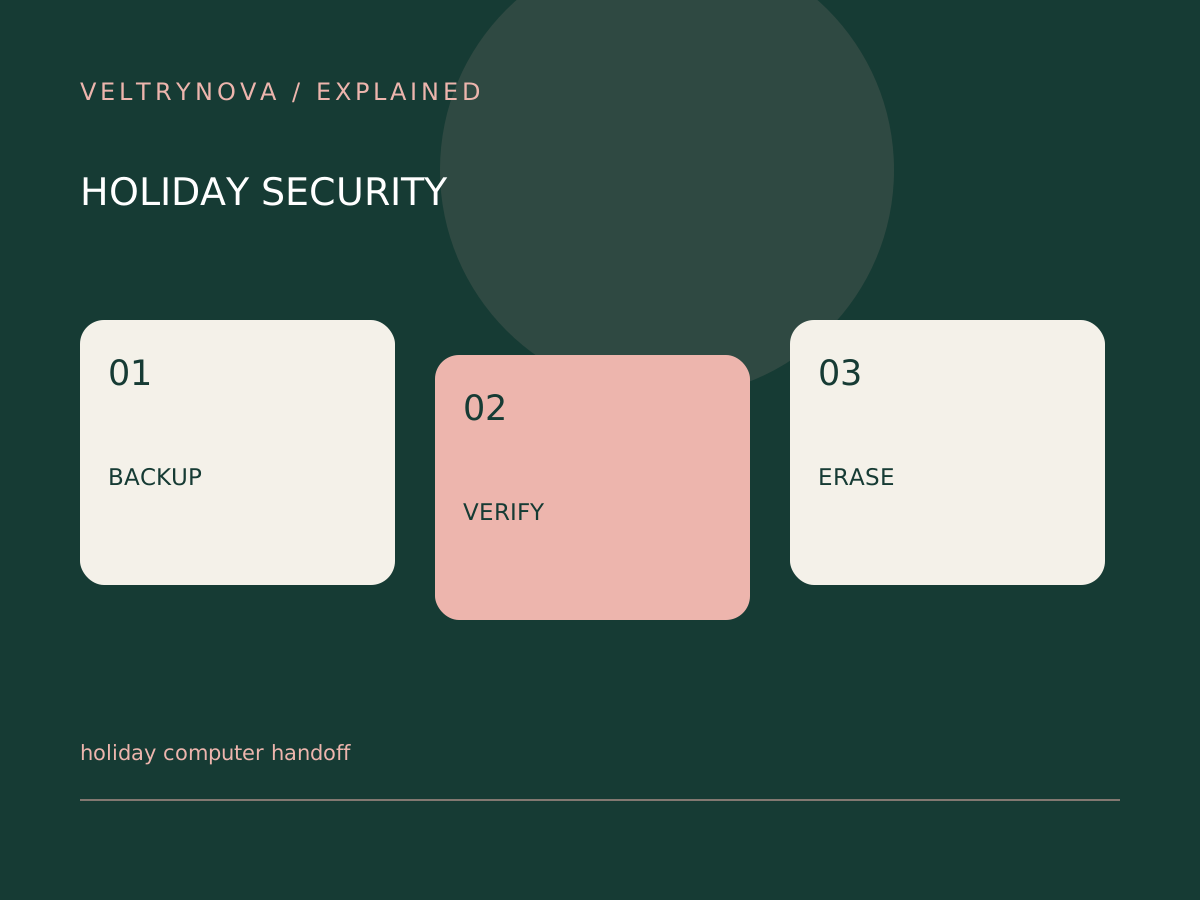
Inventory what must survive
List documents, photos, browser information, local application data, and license or recovery requirements. Check folders outside the locations normally covered by sync.
Recover a small sample to another location and open it. If the new computer cannot open an important file, resolve that before erasing the source.
Use the official reset procedure
Follow the operating-system and device maker’s current instructions for preparing a computer for another owner. Simply deleting visible files or removing browser history is not a complete transfer procedure.
For a managed work or school device, ask the organization about ownership and removal requirements. Do not assume that physical possession establishes authority to give it away.
Verify the handoff state
After the supported erase and reset, confirm that the recipient reaches the appropriate setup experience without entering your account. Review any provider-side device associations using official instructions.
Keep evidence of the model and condition, but avoid placing passwords or recovery secrets in the package. Tell the recipient which accessories are included and where to find support.
Our backup restore test helps verify preservation. Cloud sync versus backup explains why a synced folder is not automatically a complete migration plan.
Perform the handoff before the gift deadline so recovery problems can be solved calmly rather than during the celebration.