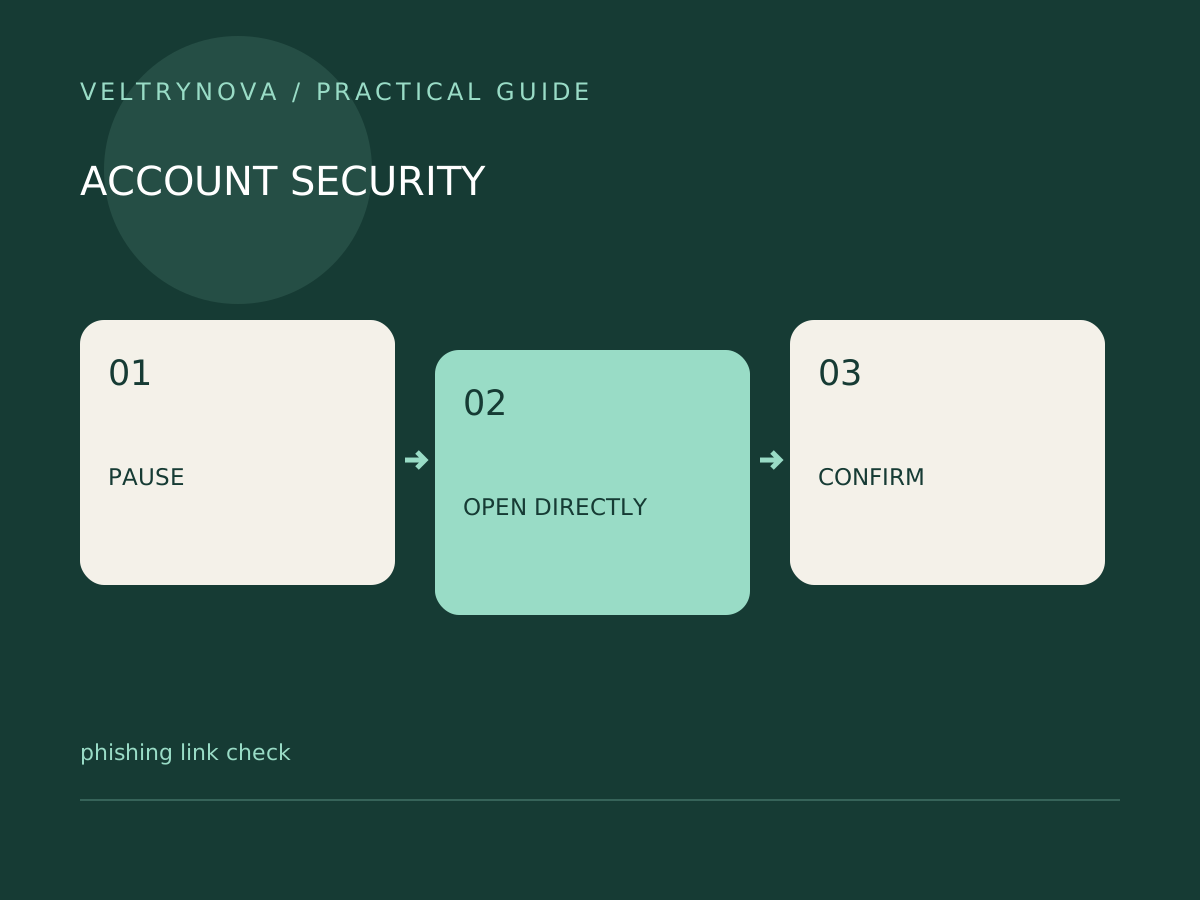
A convincing message can use a real company name, familiar logo, and plausible problem. The safer question is not whether the message looks professional. It is whether you can independently confirm the action it asks you to take.
The FTC warns that phishing messages can invent account problems, invoices, refunds, or suspicious activity to make people click links or reveal information.
Separate the message from the claim
If a message says your bank account needs attention, open the bank’s app or type its known address yourself. If it concerns a shipment, use an existing order record or the carrier’s official tracking page. Do not use the phone number supplied by the suspicious message as your verification channel.
On a computer, inspecting a link’s destination may expose an unexpected domain, but it cannot prove that the page is safe. Shortened links, redirects, and compromised legitimate websites complicate that judgment. You do not need to visit the link to verify the underlying account issue.
Look for the requested consequence
Identify whether the sender wants a password, payment, one-time code, file download, or permission. An urgent deadline combined with a high-consequence request deserves independent verification.
A harmless-looking attachment is still a separate decision. Do not open it just to determine whether the message is genuine. Ask the expected sender through a previously trusted channel, particularly for changed payment instructions.
If you already interacted
Stop entering information and use the affected service’s official security guidance. If you disclosed a password, change it through the legitimate site and review account access. Financial exposure needs prompt contact with the relevant institution.
Keep useful evidence such as the message and timing, but do not redistribute malicious links to friends as a warning without context.
Our AI verification workflow can organize questions, but an AI label of “safe” is not a substitute for independent confirmation.