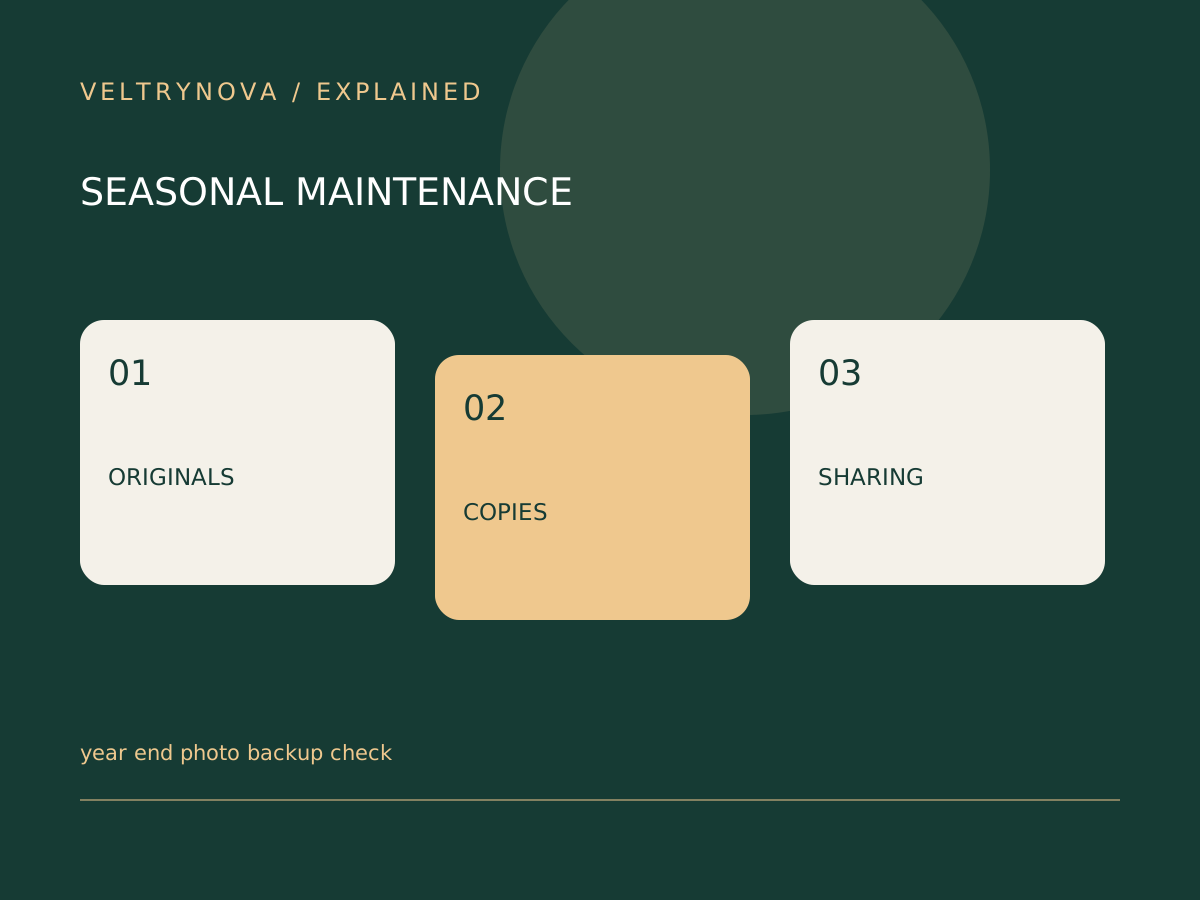
A year-end photo recap can make it feel as though a year’s pictures are safely organized. A slideshow or compressed export is not necessarily a backup of the original files.
Before using a cleanup tool or removing old copies, identify which service or device holds the originals and which copies you can actually restore.
Locate the source files
Check phones, memory cards, computers, and cloud libraries. Record where full-resolution files are stored and whether an optimization setting leaves only smaller local versions.
Distinguish edited exports from originals. Preserve the version you need for future editing rather than assuming the recap contains every useful file.
Test a small restore
Select an ordinary photo, a video, and an older item. Recover them to a separate location and open them. Confirm that account access and any required keys would remain available if the phone were lost.
The FTC’s computer-disposal guidance recommends preserving information before erasing a device. Apply the same care before a large photo cleanup.
Review the audience
Before sharing the recap, inspect location clues, children, private interiors, documents, and people who may not want their images included. Use an appropriate sharing scope and check whether links are publicly accessible.
If an AI service helps organize or caption the collection, review its data practices before uploading. Captions and inferred identities also need checking.
Use cloud sync versus backup to evaluate recovery history, and the restore drill for a practical check.
The goal is to enjoy the recap while keeping the underlying collection recoverable. A successful video export and a verified archive are two separate completion checks.